Monitor Connection Login
Prerequisites
Developers need to prepare the following hardware devices in advance:
- Mainboard: Rhino Pi X1
- Power supply: DC12V 5A power adapter
- Display device: HDMI cable and monitor
- Input devices: Keyboard and mouse (for graphical interface operations)
Start the Board
The board comes pre-installed with the Ubuntu 22.04 system. After powering it with a 12V power adapter, the board will start the system automatically.
- Boot process: Power indicator red light stays on
- System started successfully: The RGB light is solid green light stays on and the fan starts running, indicating the boot is complete
Log into the Ubuntu System
After starting the board, developers will enter the Ubuntu system login interface by default. Enter the username/password: aidlux/aidlux to log in.
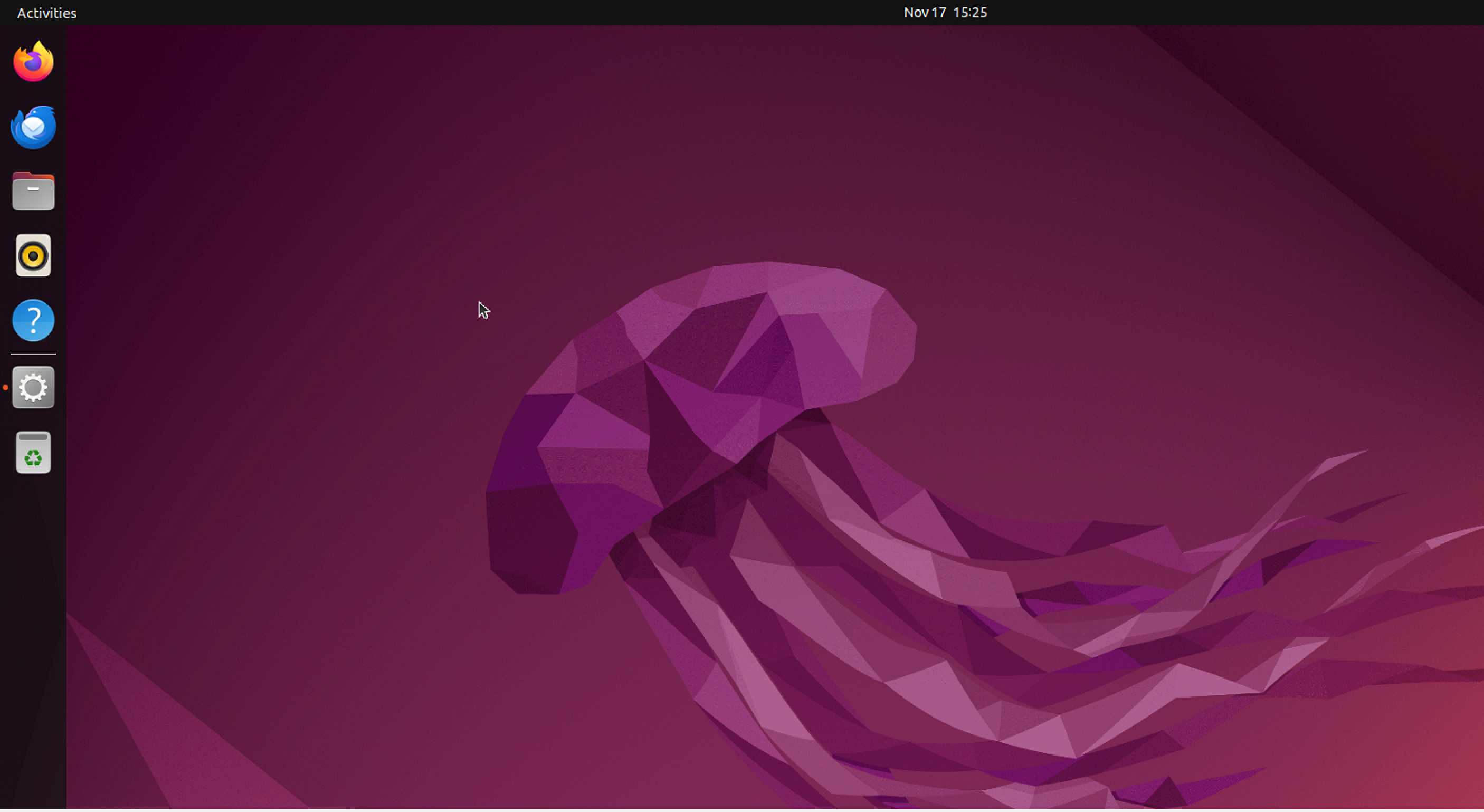
The Ubuntu 22.04 system interface is as follows:
Use the System
After successfully starting the system, developers can officially use the Ubuntu 22.04 system on the Rhino Pi-X1. For details, refer to System Usage
Note
If developers need to reinstall the system or perform an OTA upgrade, refer to: System Burning