Line IN/OUT Usage
Audio Testing
Note
- The Line-in port only supports active microphones.
- Audio devices cannot be used simultaneously on Android and Ubuntu systems. Switching is required when using them on different systems.
Hardware Connection
- Connect a microphone to the device's LINE IN port (red 3.5mm port).
- Connect speakers to the device's LINE OUT port (green 3.5mm port).
Using Audio on Ubuntu System
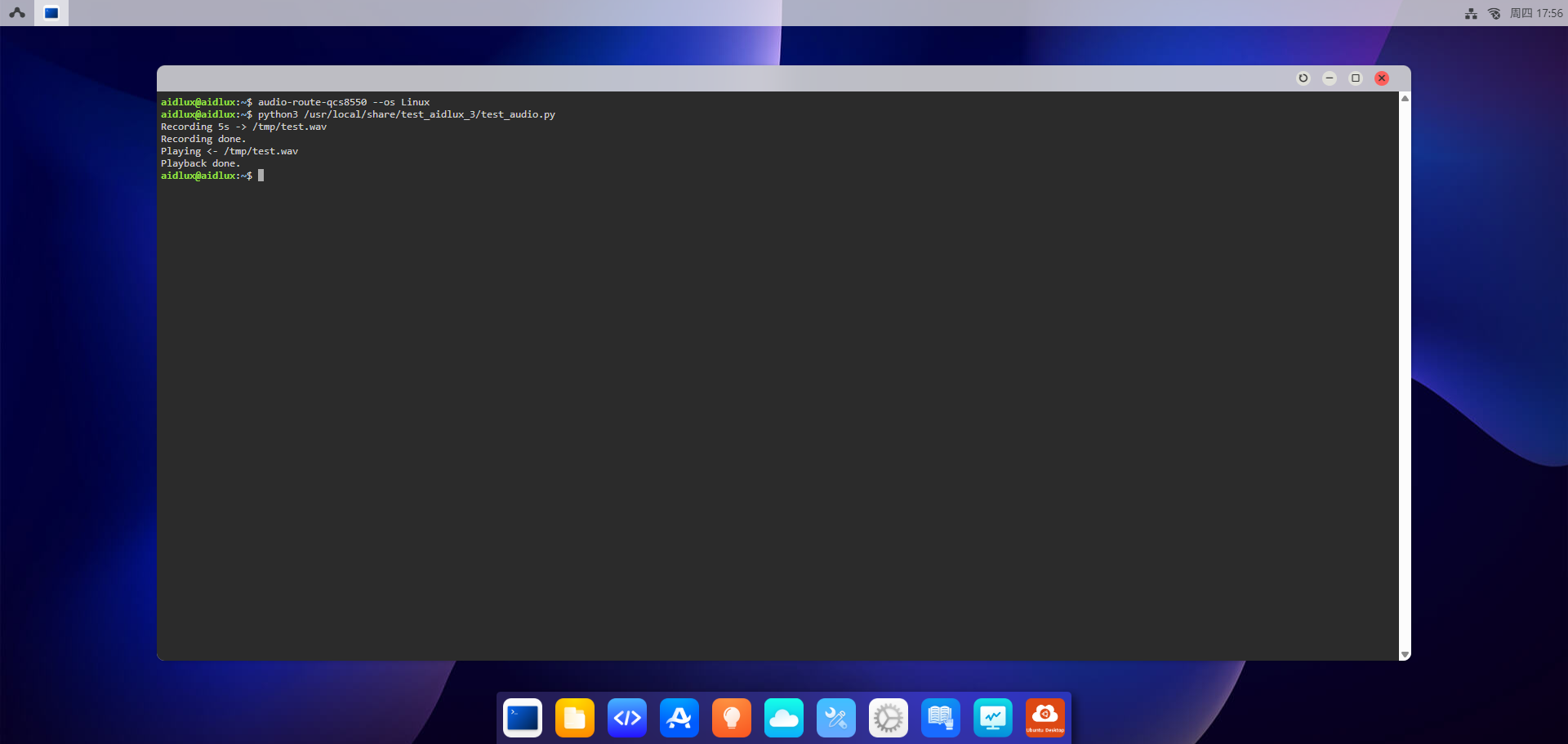
Log into the AidLux Web desktop by referring to the Web Login documentation. Execute the following commands:
- Run the script to perform recording and playback tests:
shell
python3 /usr/local/share/test_aidlux_3/test_audio.pyAfter executing the script, recording will start automatically for 5 seconds, and then the recorded audio will be played back automatically.
Additional Notes (Optional)
- If the audio recording/playback fails, check whether the audio device connections are secure and ensure the microphone/speakers are functional.
- To verify audio device recognition on Ubuntu, run the command:shell
aplay -l # List playback devices arecord -l # List recording devices - If the script path is invalid, confirm the correct path of the audio test script via the
find / -name test_audio.pycommand.