MoveIt2 Installation
MoveIt 2 is the most widely used open-source software framework on the ROS 2 (Robot Operating System 2) platform for motion planning, manipulation control, 3D perception, and kinematics computation for mobile robots (especially robotic arms).
Installation
- Refer to the Quick Start - System Usage -- Web Login section, and log in to the device's web desktop.
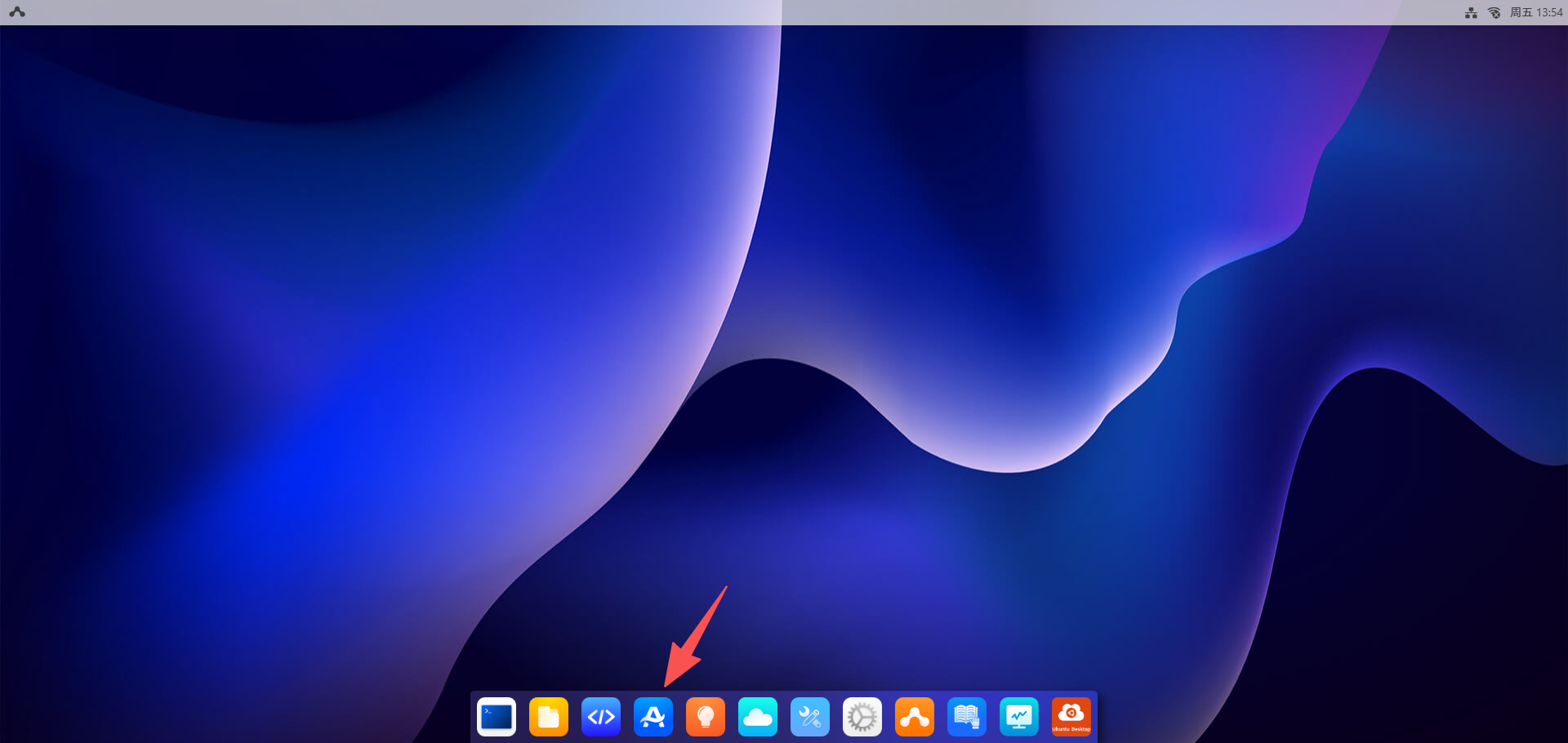
- Click the
App Centerbutton, then selectRobot.
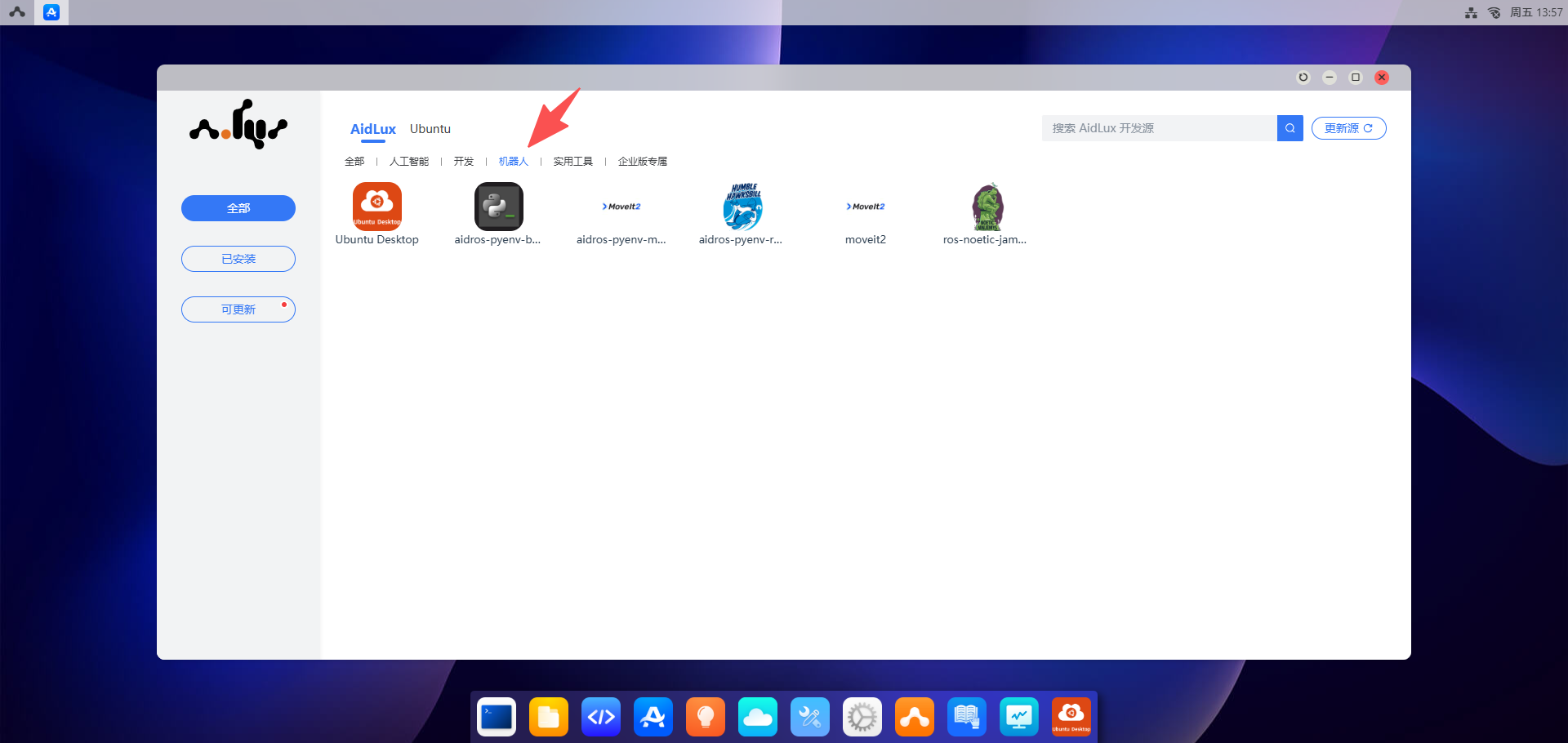
- Install "aidros-pyenv-moveit2"
- Click
aidros-pyenv-bootstrap
- Click the
Installbutton, and enter the password: "aidlux"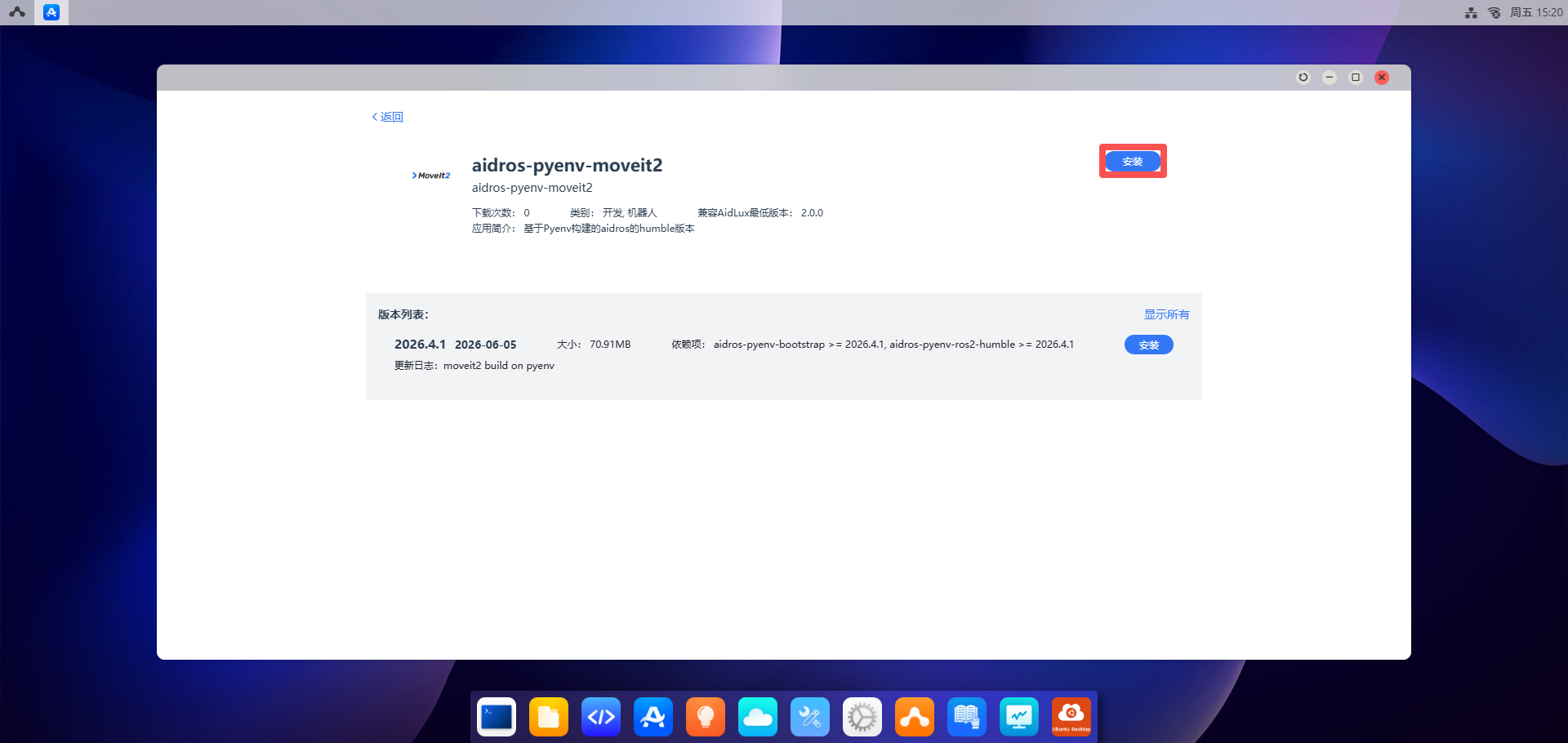
- Click
Verification
After installing MoveIt2, you can verify whether the installation was successful using the following method.
Log in to the Ubuntu Desktop. For remote desktop usage, please refer to Remote Desktop Usage.
Open a Terminal window and execute the command:
source /opt/ros/humble/setup.bashto initialize system resources.Open a Terminal window and execute the command:
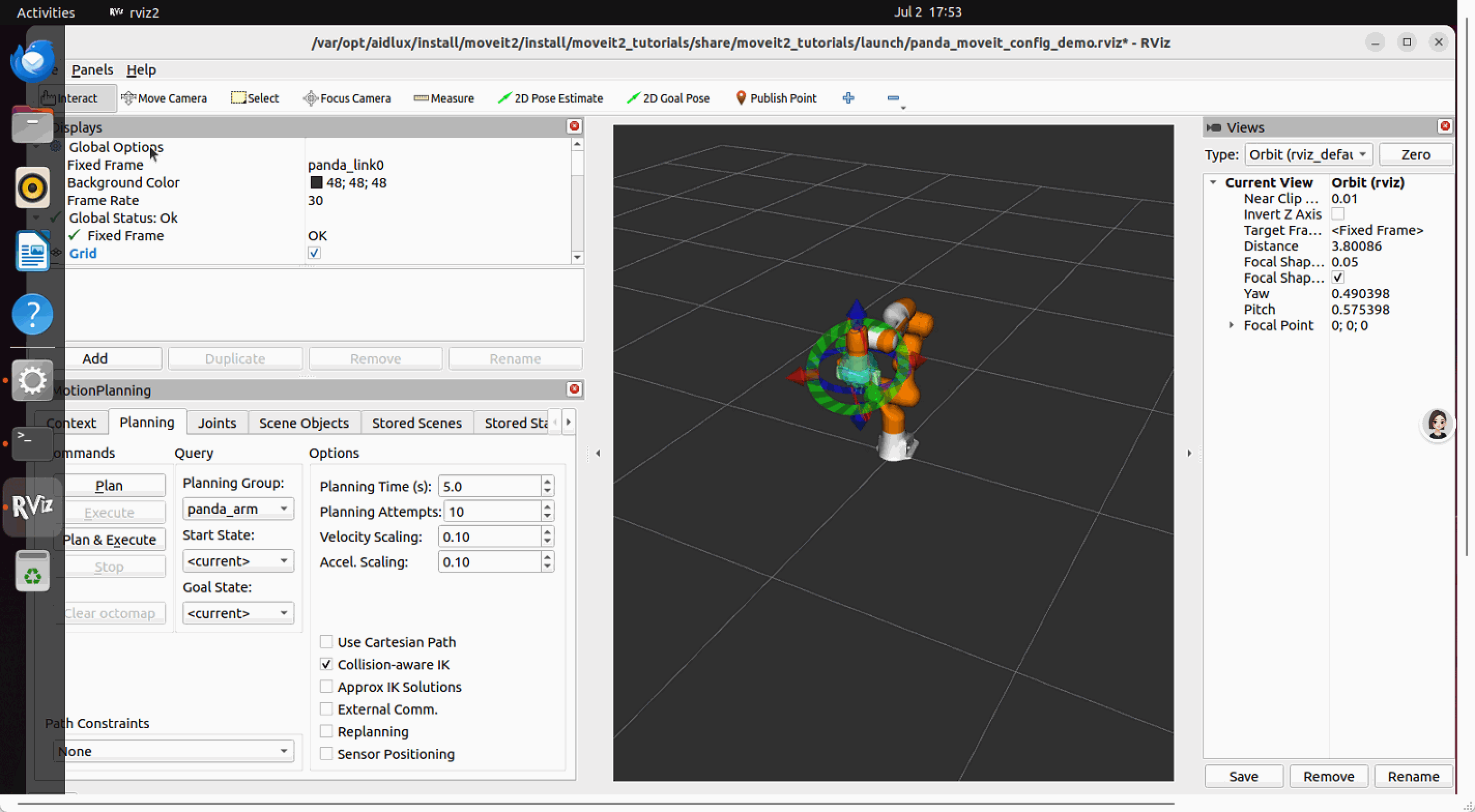
ros2 launch moveit_resources_panda_moveit_config demo.launch.py. In the pop-up rviz window, you can move the robotic arm.