Audio
Rhino Pi-X1 supports LINE OUT and LINE IN interfaces, both of which are 3.5mm audio jacks. They need to be used with microphones and speakers equipped with 3-segment plugs.
Note
The Line-in interface only supports active microphones.
Hardware Connection
- Connect the microphone to the LINE IN interface of the device (the red 3.5mm jack).
- Connect the speaker to the LINE OUT interface of the device (the green 3.5mm jack).
Audio Test
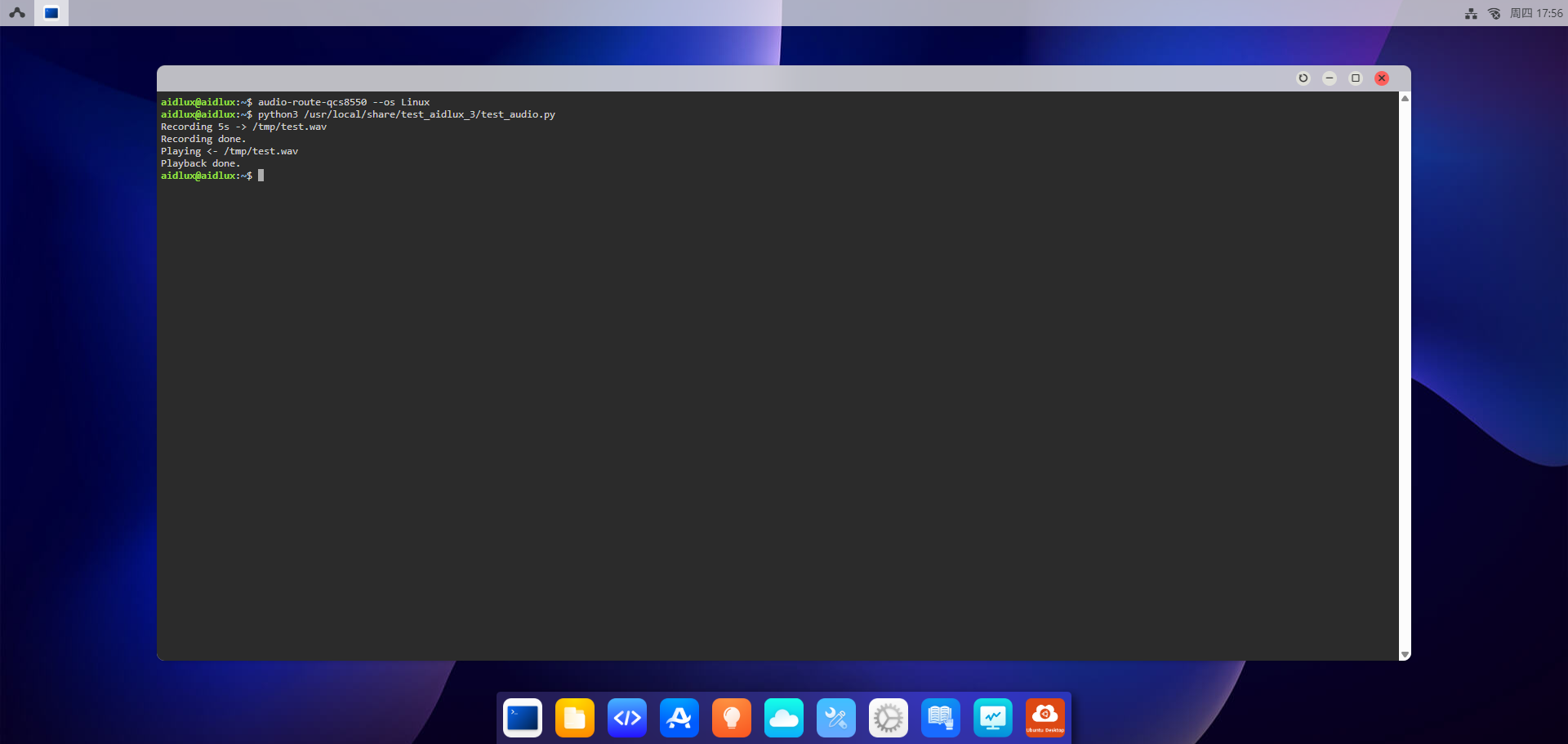
Refer to the Web Login documentation to log in to the AidLux Web desktop. Execute the following command:
- Run the script to perform recording and playback testing
shell
python3 /usr/local/share/test_aidlux_3/test_audio.pyAfter executing the script, it will automatically start recording for 5 seconds and then automatically play back the recorded audio.