Web Login
After the device is connected to the network, developers can log in to the AidLux system via the local area network Web interface. The specific operations are as follows:
1. Obtain the Device's IP Address
Developers can obtain the device's IP address through multiple methods. For details, refer to IP Address Obtaining.
2. Log in via Browser
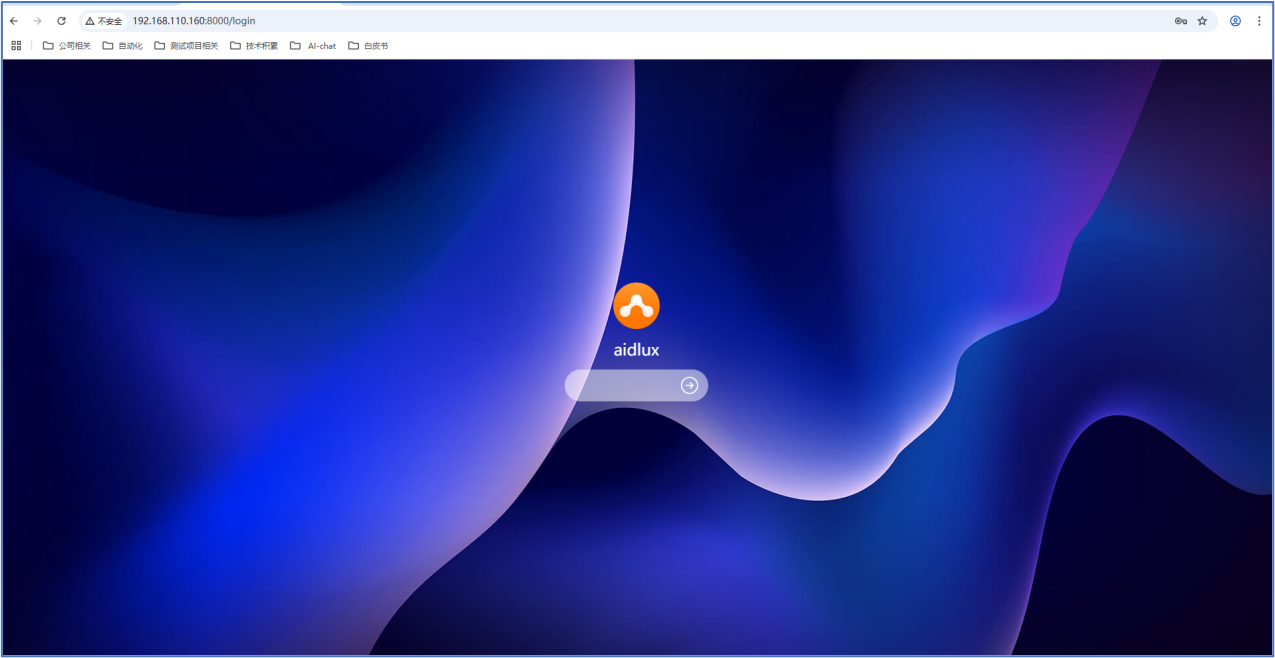
Ensure the computer and the device are on the same local area network. Enter http://ip:8000 in the browser to access the AidLux Web remote desktop system. The access password is: aidlux.