WIFI / BT
Rhino Pi-X1
- WIFI: Supports Wi-Fi 7 (802.11be), 2.4G / 5G / 6G Hz DBS, 2*2 MIMO
- Bluetooth: Supports BT 5.3
The antenna interface uses an IPEX Gen 4 connector. To use the WIFI / BT functions, two antennas need to be installed to enhance the transmit power and receive sensitivity of WIFI / BT.
Hardware Connection
Install the antennas to the antenna interfaces of Rhino Pi-X1.
Note
You can refer to the Hardware Information tutorial to locate the corresponding hardware interfaces.
Recommended Antenna: AIWF022 Antenna
Purchase Link: AIWF022 Antenna WIFI7 Built-in FPC Antenna 2.4G&5.8G Dual-band PCB Flexible Antenna ZigB - Taobao
WIFI Usage
Note
All the following tests are performed in the AidLux system. Please refer to the Web Login section to log in to the system.
After installing the antennas, open the AidLux Web desktop, click Settings - Wireless Settings, and connect to a wireless WIFI network. After connection, you can check the WIFI signal strength using the following command:
iw dev wlan0 linkCommand output example:
Connected to 62:65:b2:8e:53:29 (on wlan0)
        SSID: TestGroup_5G
        freq: 5180
        RX: 10064 bytes (31 packets)
        TX: 8704 bytes (50 packets)
        signal: -46 dBm
        rx bitrate: 309.7 MBit/s 40MHz HE-MCS 6 HE-NSS 2 HE-GI 0 HE-DCM 0
        tx bitrate: 206.4 MBit/s 40MHz HE-MCS 4 HE-NSS 2 HE-GI 0 HE-DCM 0
Bluetooth Usage
To connect Bluetooth on the Rhino Pi-X1 running the AidLux system, you only need to perform the connection on the Android side, following the steps below:
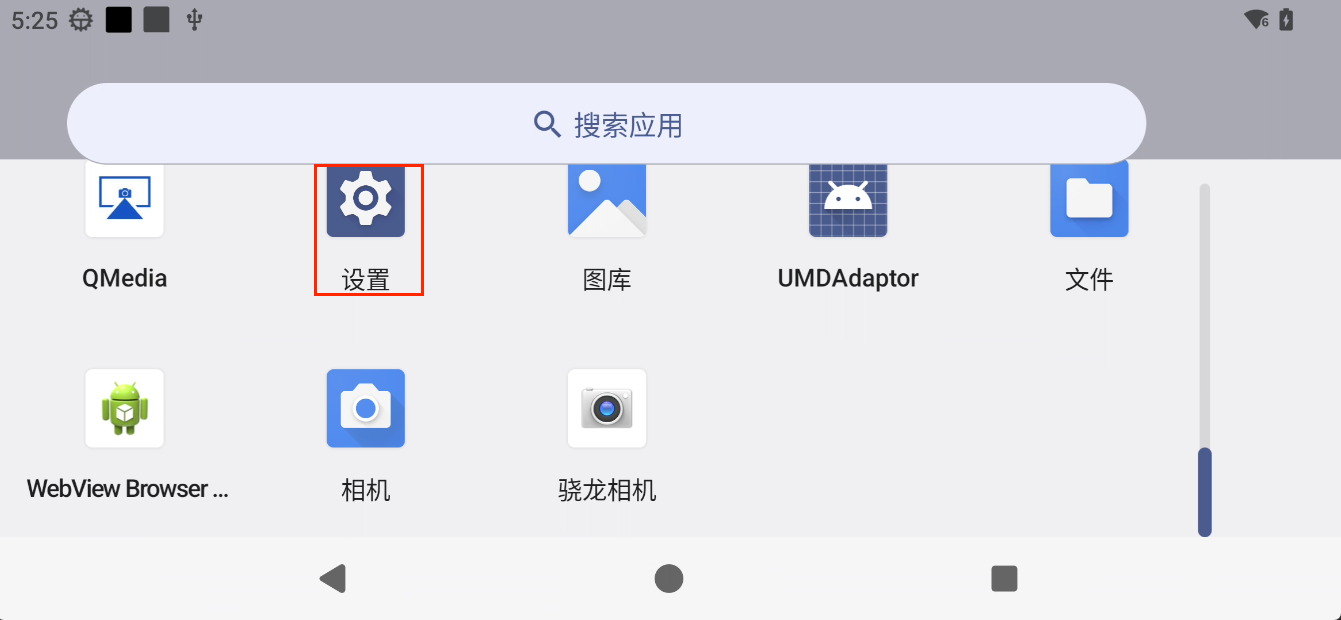
- Open the Android home screen, click and swipe upward with the left mouse button, and find the
Settingsoption on the displayed page.
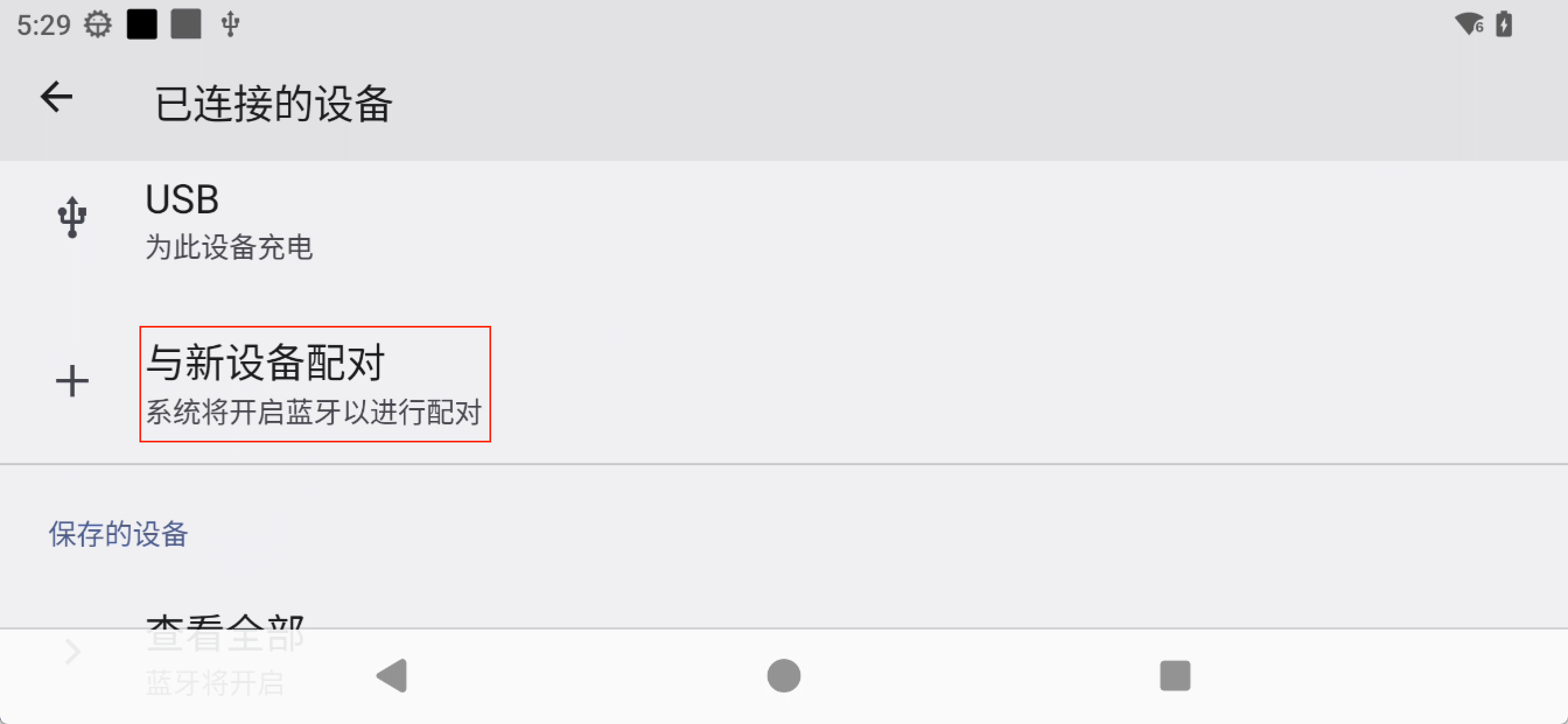
- Click
Settings-Connected devices-Pair new deviceto perform Bluetooth scanning and connection.