Screen Mirroring Login
When developers only have a computer and a Type-C cable, they can connect a Windows PC with the device (via the Type-C port) and use the QtScrcpy mirroring tool to access the board system. The steps are as follows:
1. Install QtScrcpy
Visit the QtScrcpy download page, download the package for your platform, and install it:
2. Connect the Device
Use a Type-C cable to connect the board to the computer.
3. Mirror the Screen with QtScrcpy
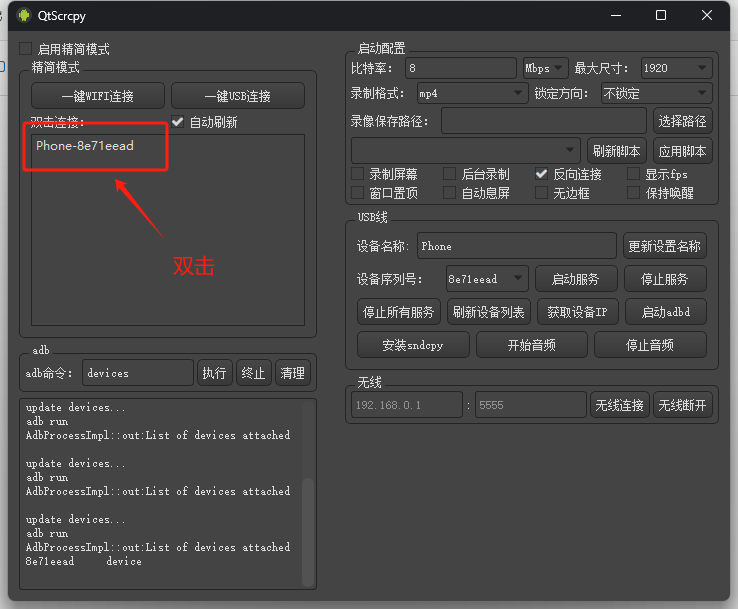
Open QtScrcpy and you will see the detected device. Double-click to access the device screen.
4. Enter the AidLux
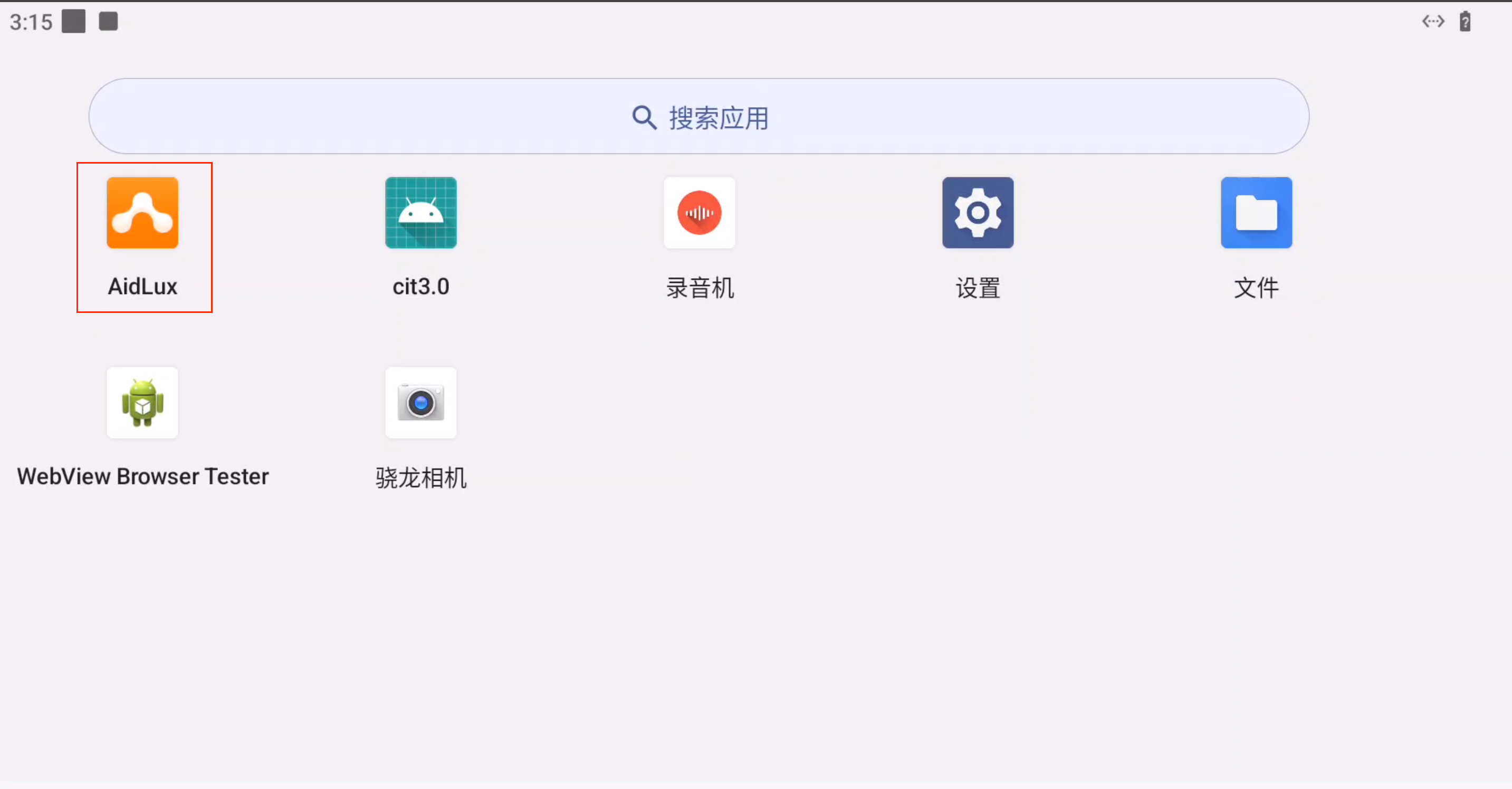
Once the device screen appears, swipe up with the mouse to open the app menu. Click the AidLux icon to enter the Ubuntu 22.04 system environment.
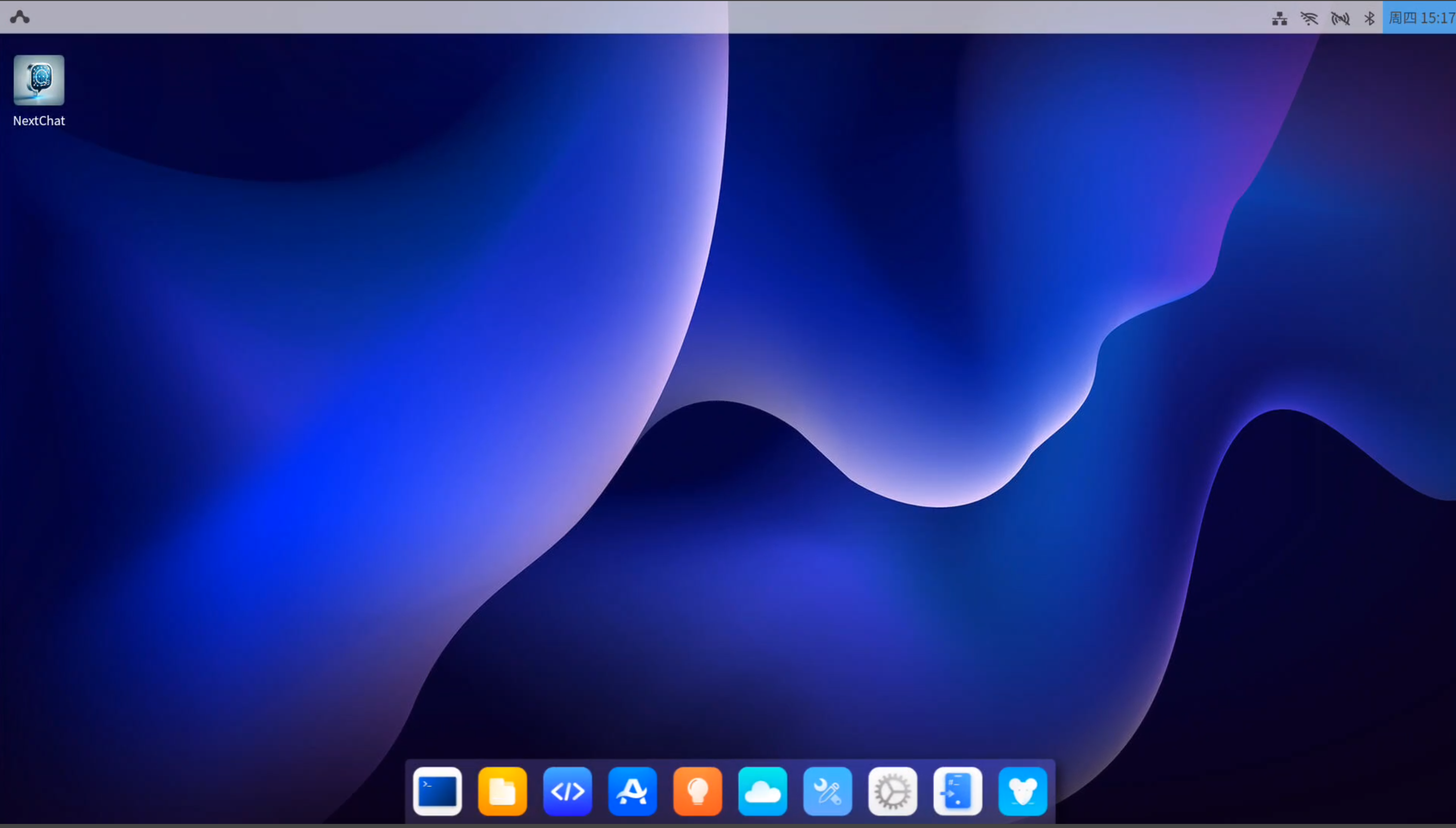
The AidLux Ubuntu 22.04 interface is shown below: