Obtain IP Address
After the device is connected to a network, developers can obtain the device’s IP address in several ways.
Get IP Address via ADB
For ADB installation and usage, refer to Basic ADB Usage
bash
# Enter the device
adb shell

# Get the IP address
ifconfig eth0
You should see an output similar to the following:
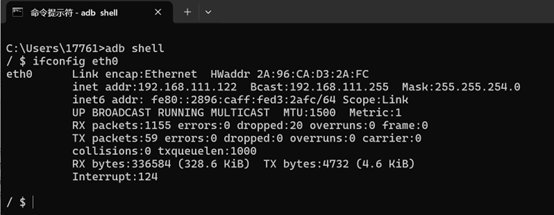
The inet addr field indicates the device’s IP address.
Get IP Address via AidLux
Once you can access the AidLux interface, click the cloud icon in the bottom bar of the AidLux home screen to display the device’s IP address.
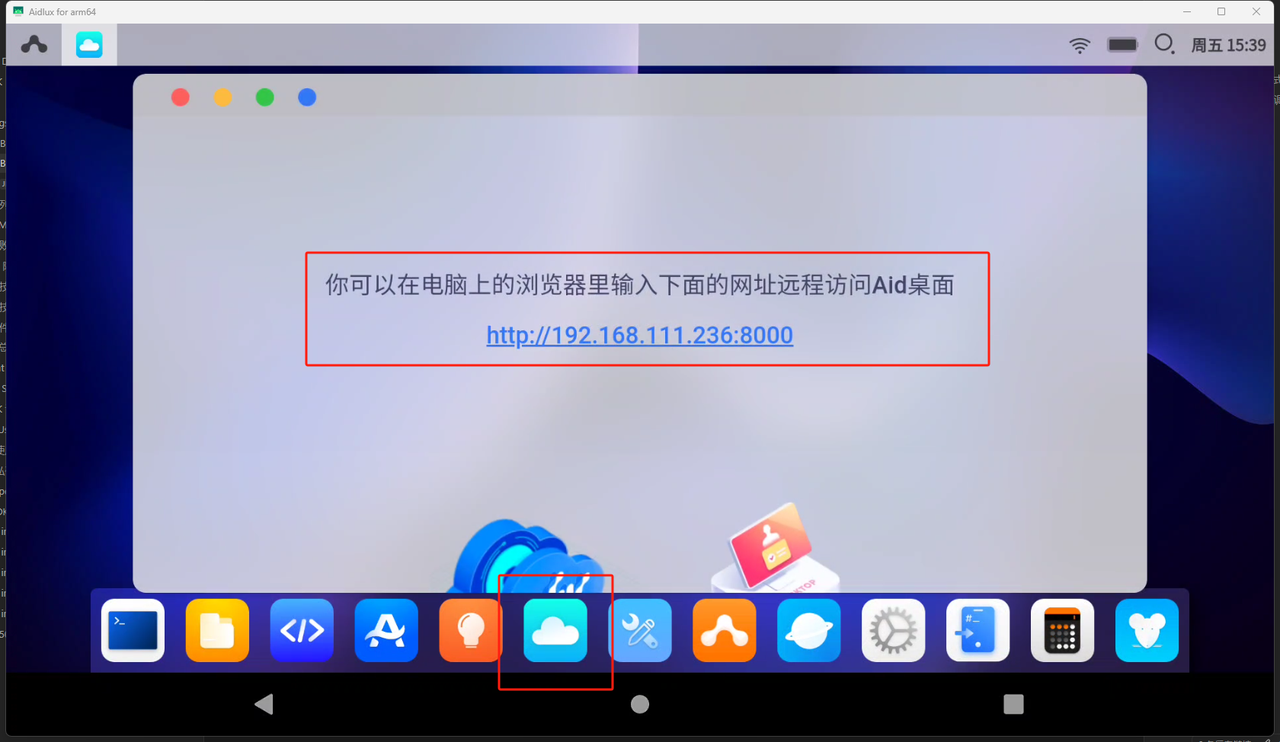
Get IP Address via Android
If you can access the Android system interface, go to Settings → Network to view the device’s IP address.