File Transfer
File Transfer Using SCP
After confirming the device IP address, you can transfer files via the SCP command. For the method to confirm the device IP address, refer to IP Address Acquisition.
bash
scp -r .\test.txt aidlux@ip:/home/aidlux/File Transfer Using AidLux File Explorer
To access the AidLux interface via a browser, refer to Web Login.
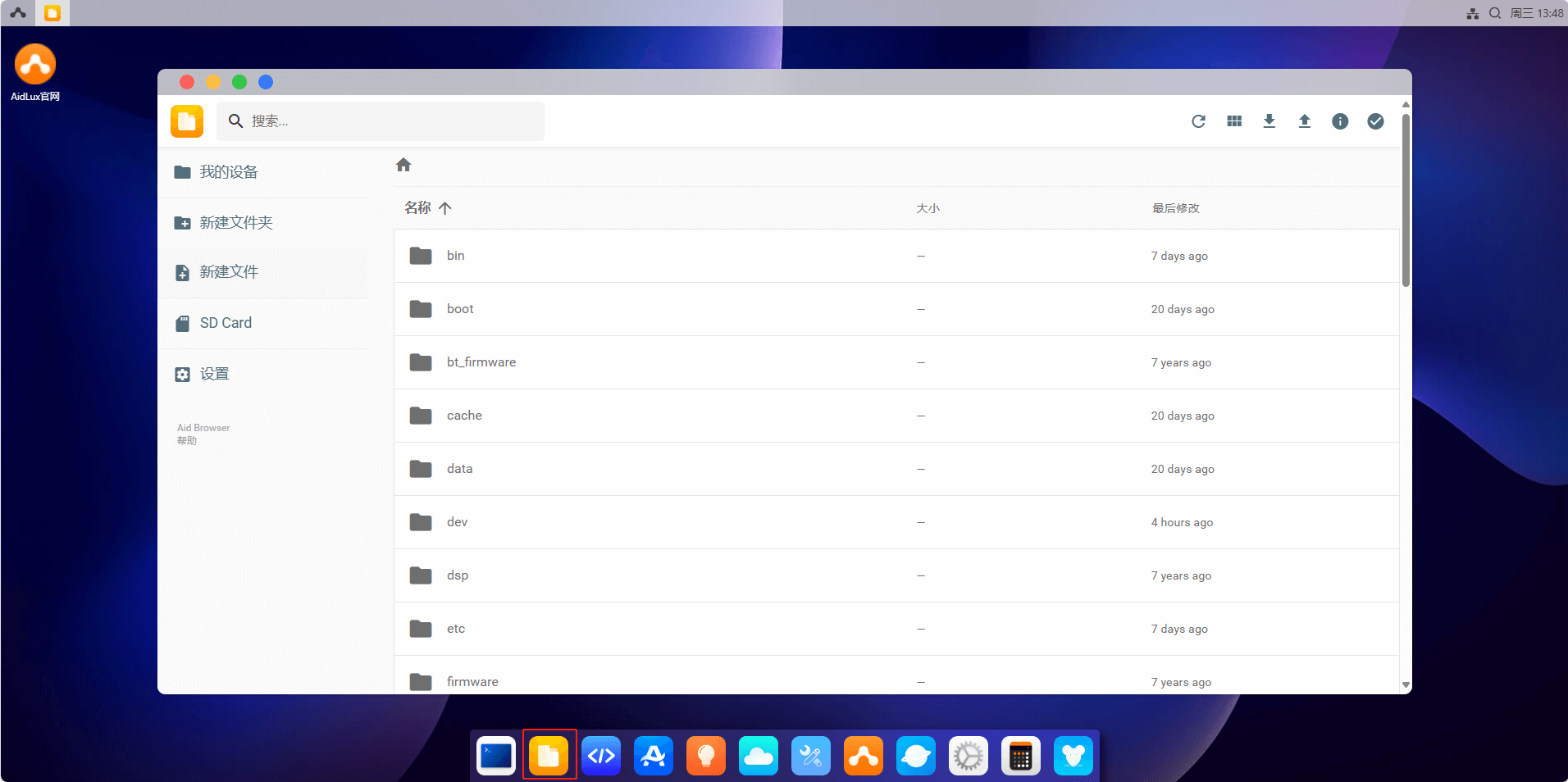
Click the File Explorer icon.
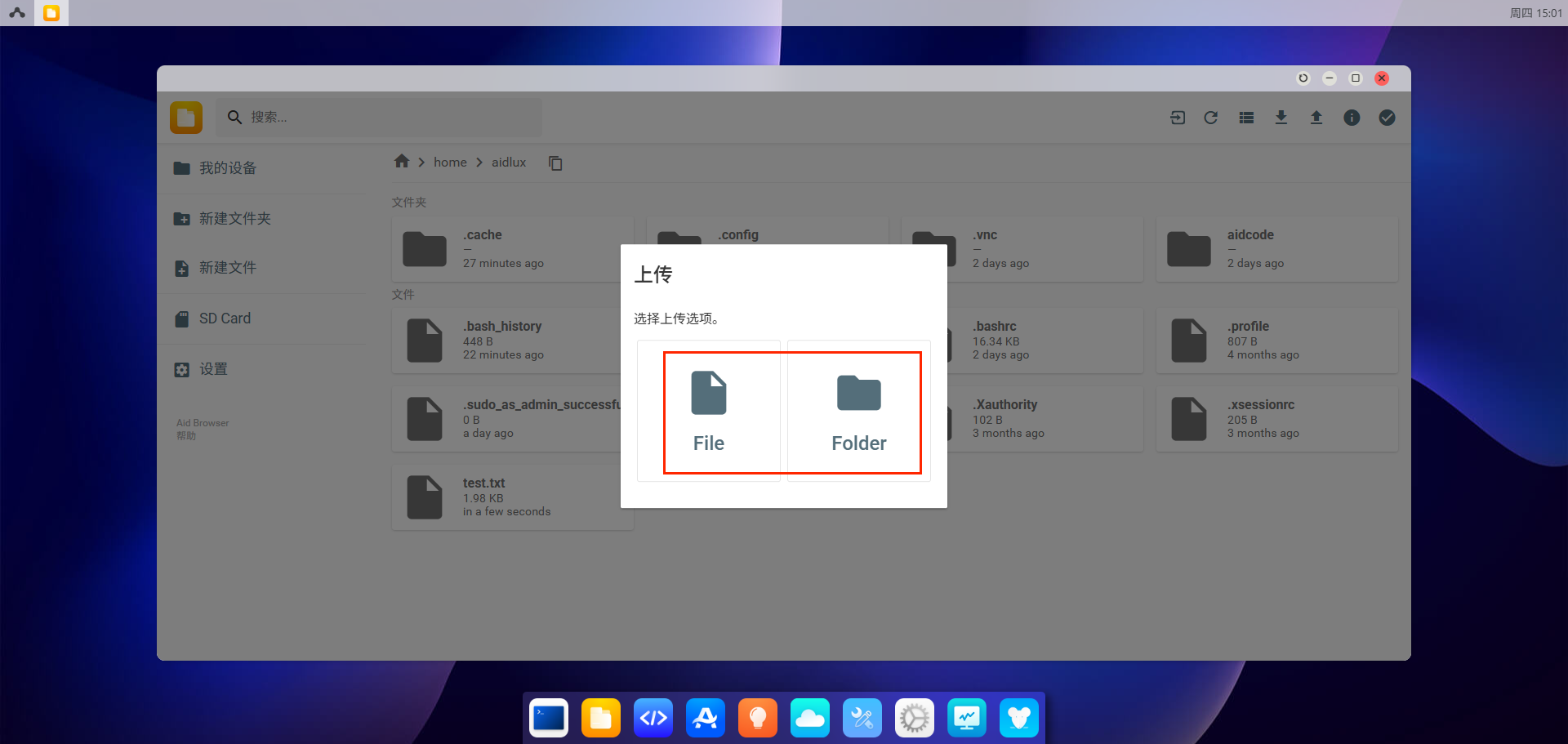
Click the upload button in the upper right corner to transfer files or directories to the /home/aidlux directory.
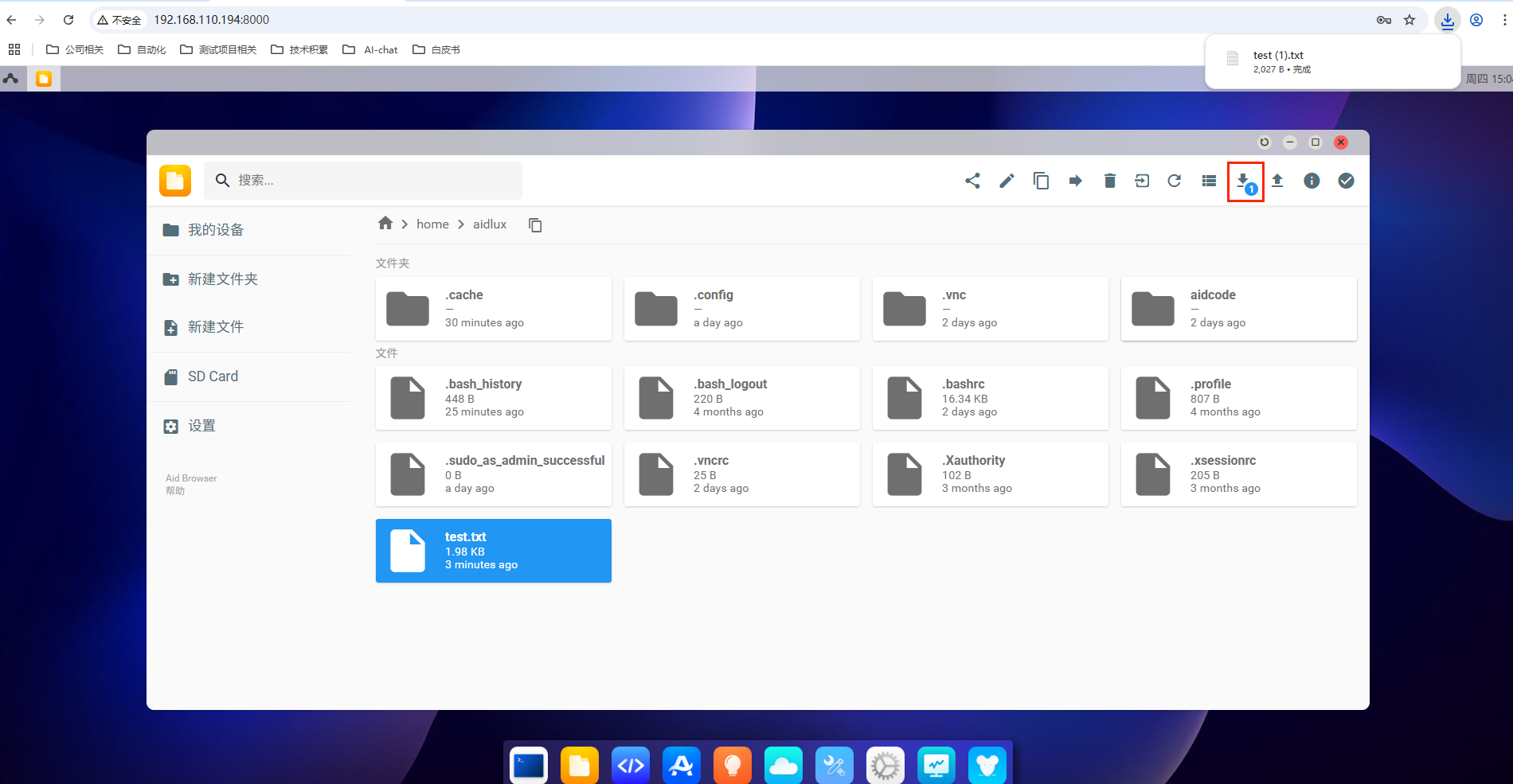
Click the download button in the upper right corner to download files or directories from the /home/aidlux directory to your local computer.