Remote Desktop
VNC Connect to Gnome Desktop
Start VNC Service
bash
/opt/aidlux/app/ubuntu-desktop/vncserver.sh startConnect to Ubuntu Desktop (Gnome Desktop) via VNC
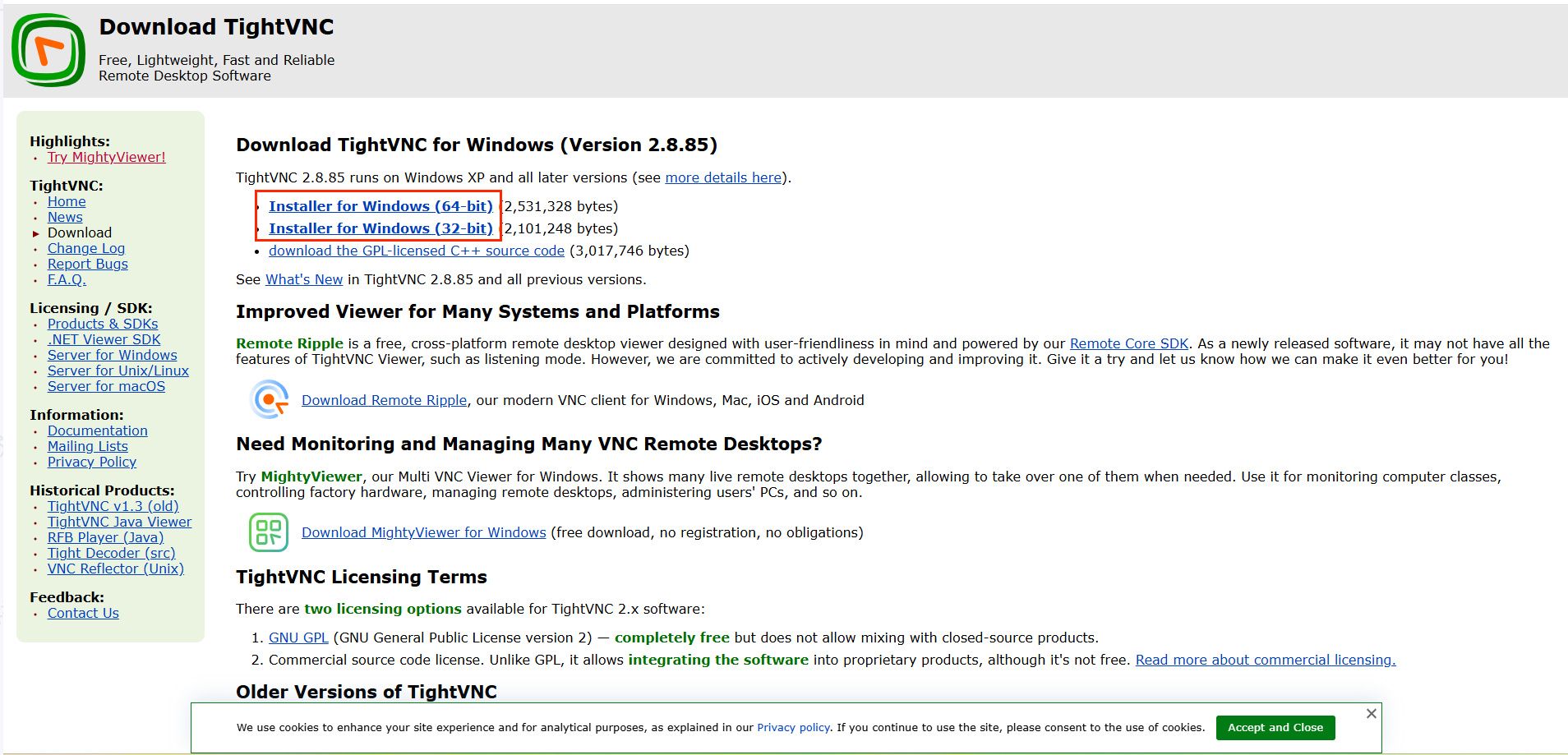
VNC Tool Download:
You can download the Tightvnc tool according to the following link, or use other VNC tools to connect.
Download link: https://www.tightvnc.com/download.php
- Download and install according to the developer's computer system.
Open VNC Tool and Connect to Gnome Desktop
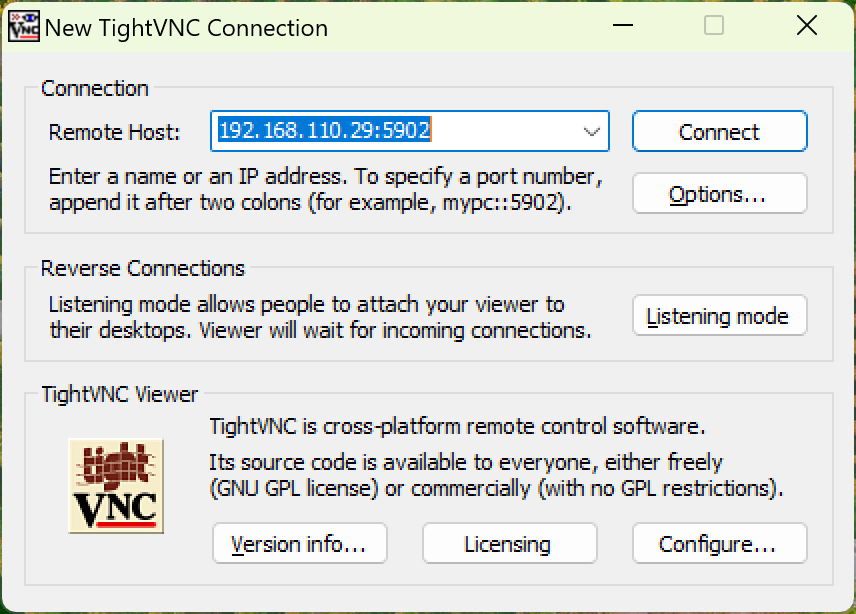
- Open TightVNC, enter device
IP:5902, click connect to connect
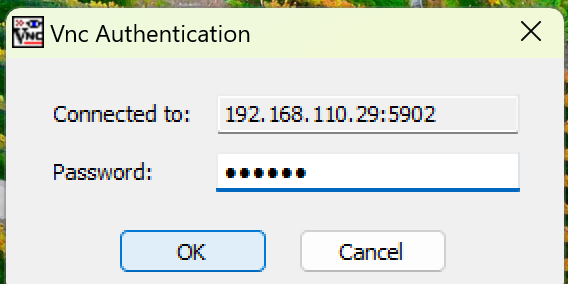
- After jumping, enter password:
aidlux, clickokbutton to connect.