ROS2 Humble Installation
The Robot Operating System (ROS) is a set of software libraries and tools for building robot applications. From drivers and advanced algorithms to powerful developer tools, ROS provides the open-source tools you need for your next robotics project. When installing ROS2 Humble, rviz2 will also be installed.
Installation
- Refer to the Quick Start - System Usage -- Web Login section, and log in to the device's web desktop.
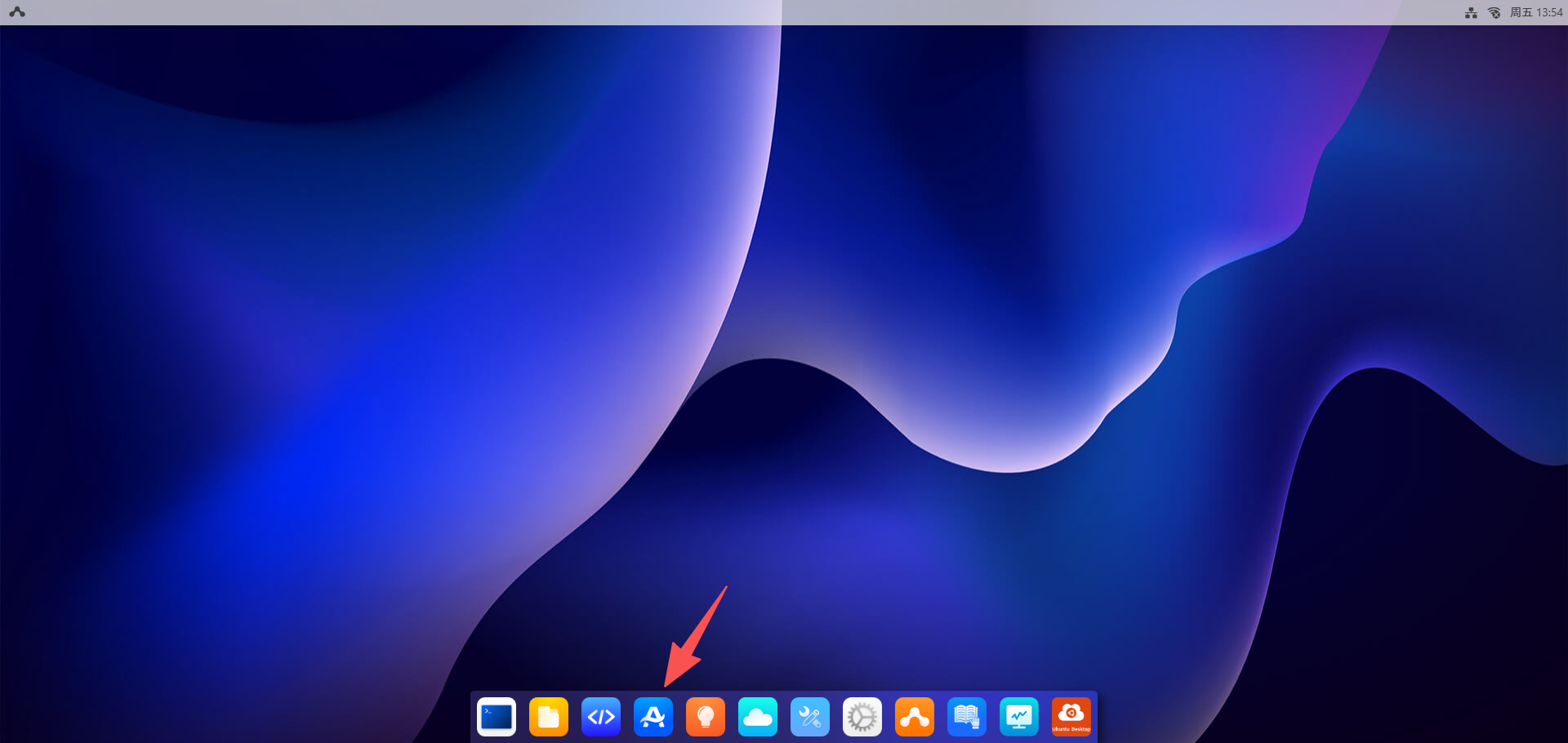
- Click the
App Centerbutton, then selectRobot.
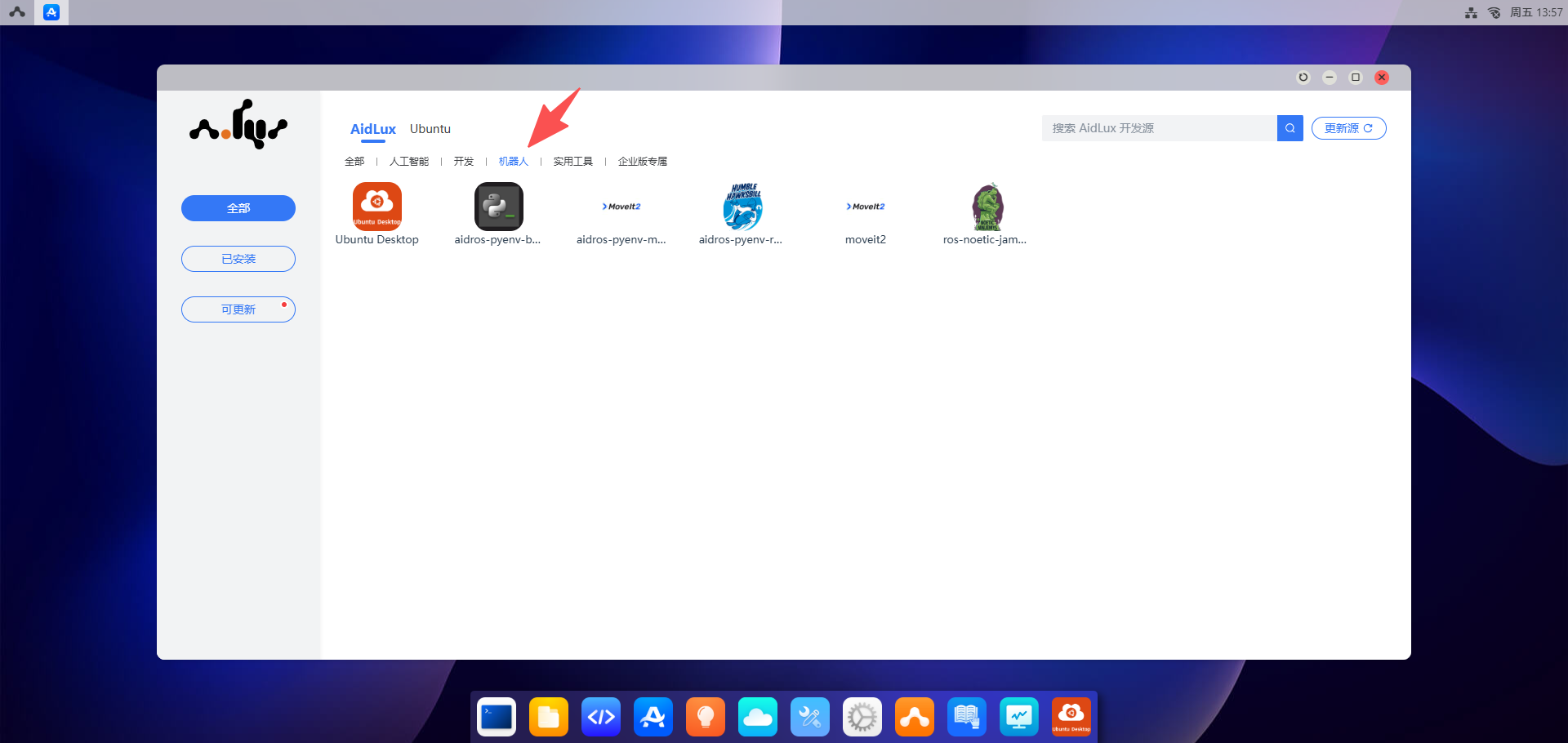
- Install "aidros-pyenv-bootstrap"
- Click
aidros-pyenv-bootstrap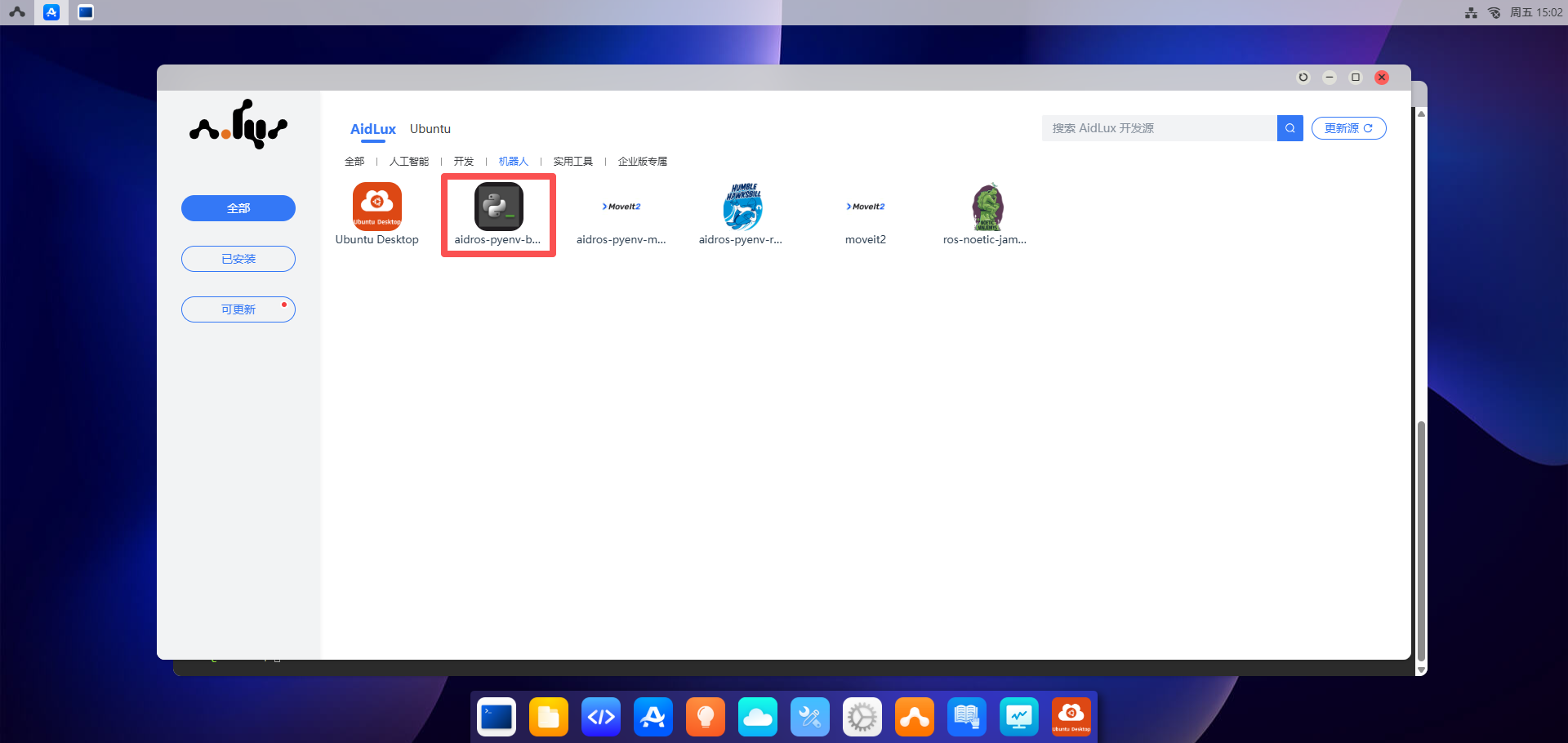
- Click the
Installbutton, and enter the password: "aidlux"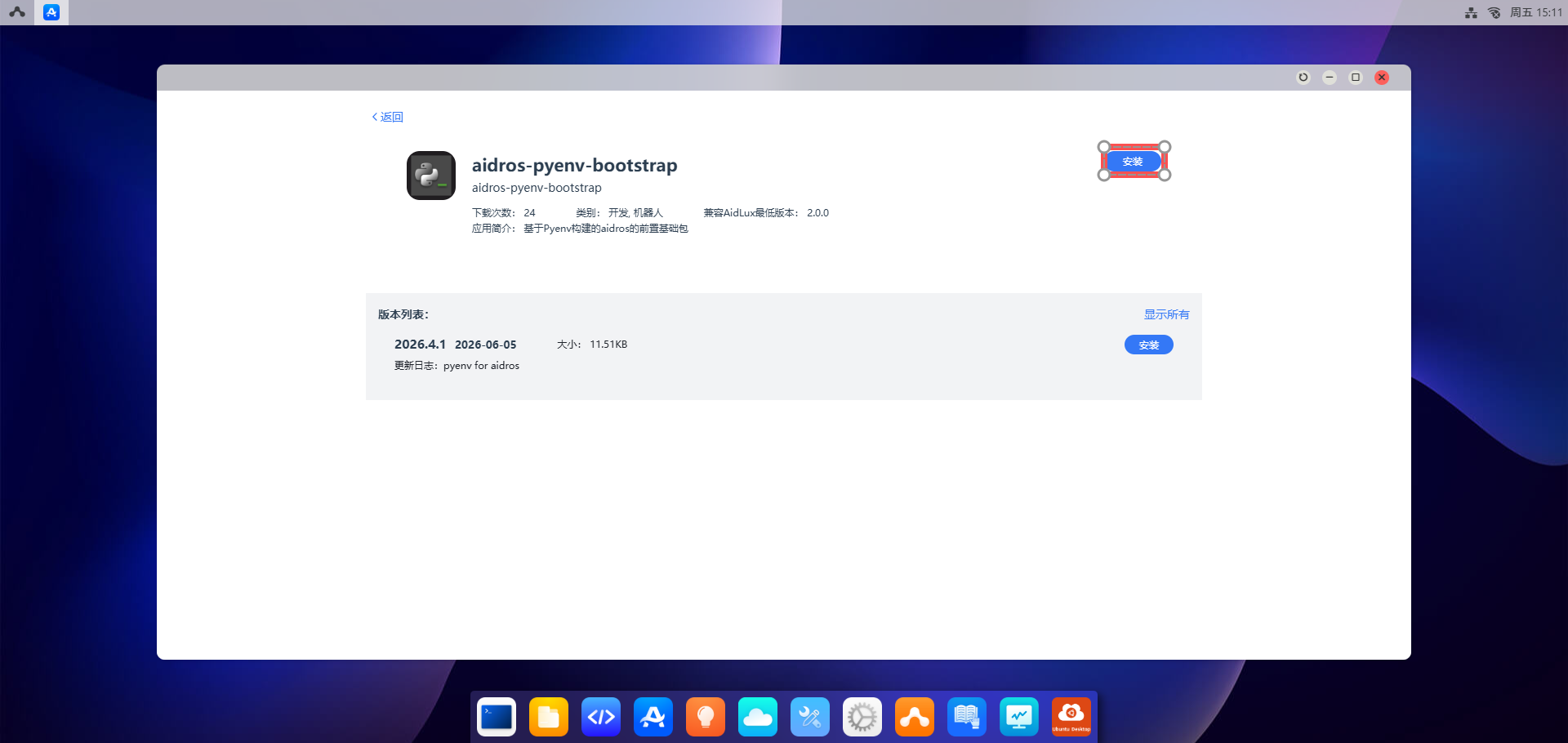
- Click
- Install "aidros-pyenv-ros2-humble"
- Click
aidros-pyenv-ros2-humble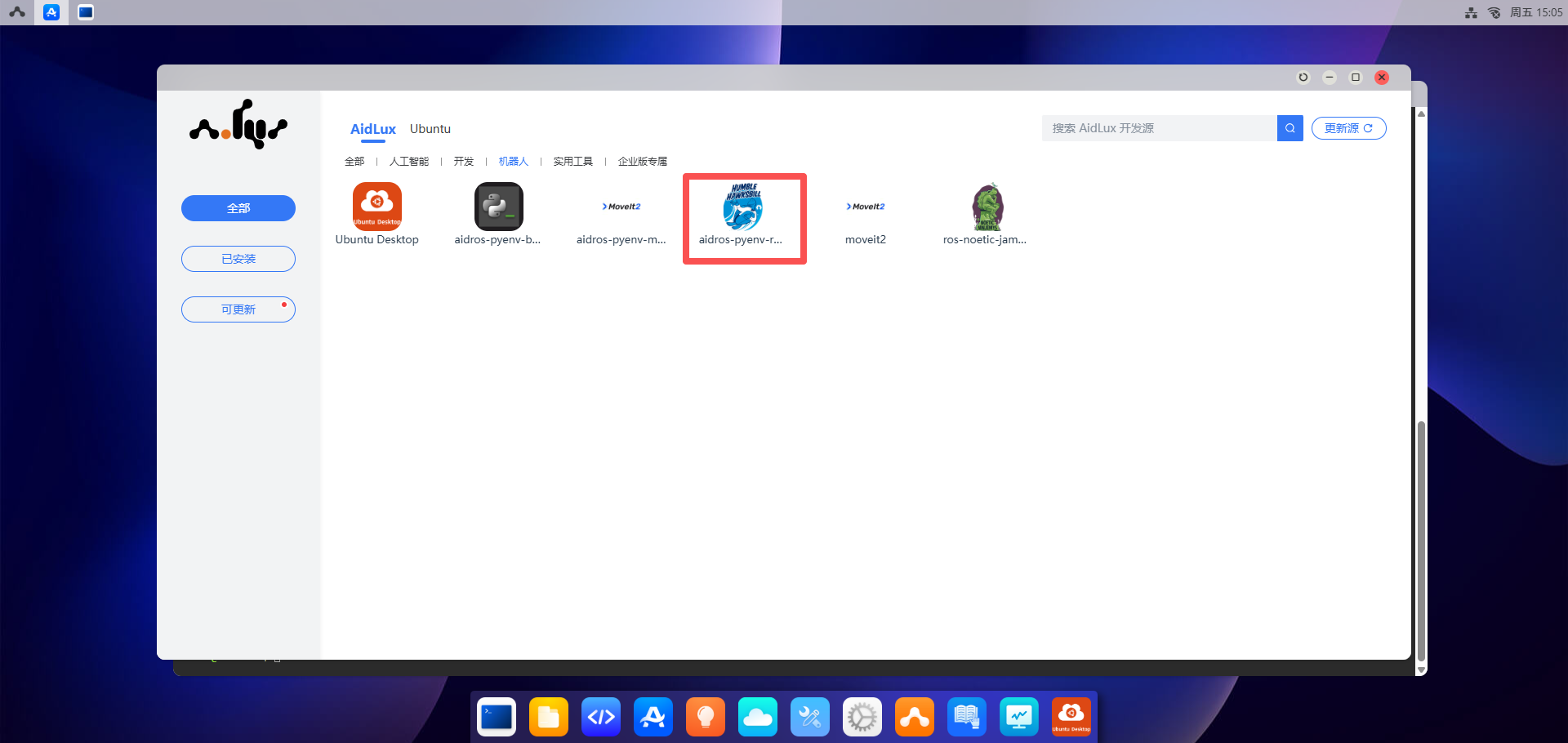
- Click the
Installbutton, and enter the password: "aidlux"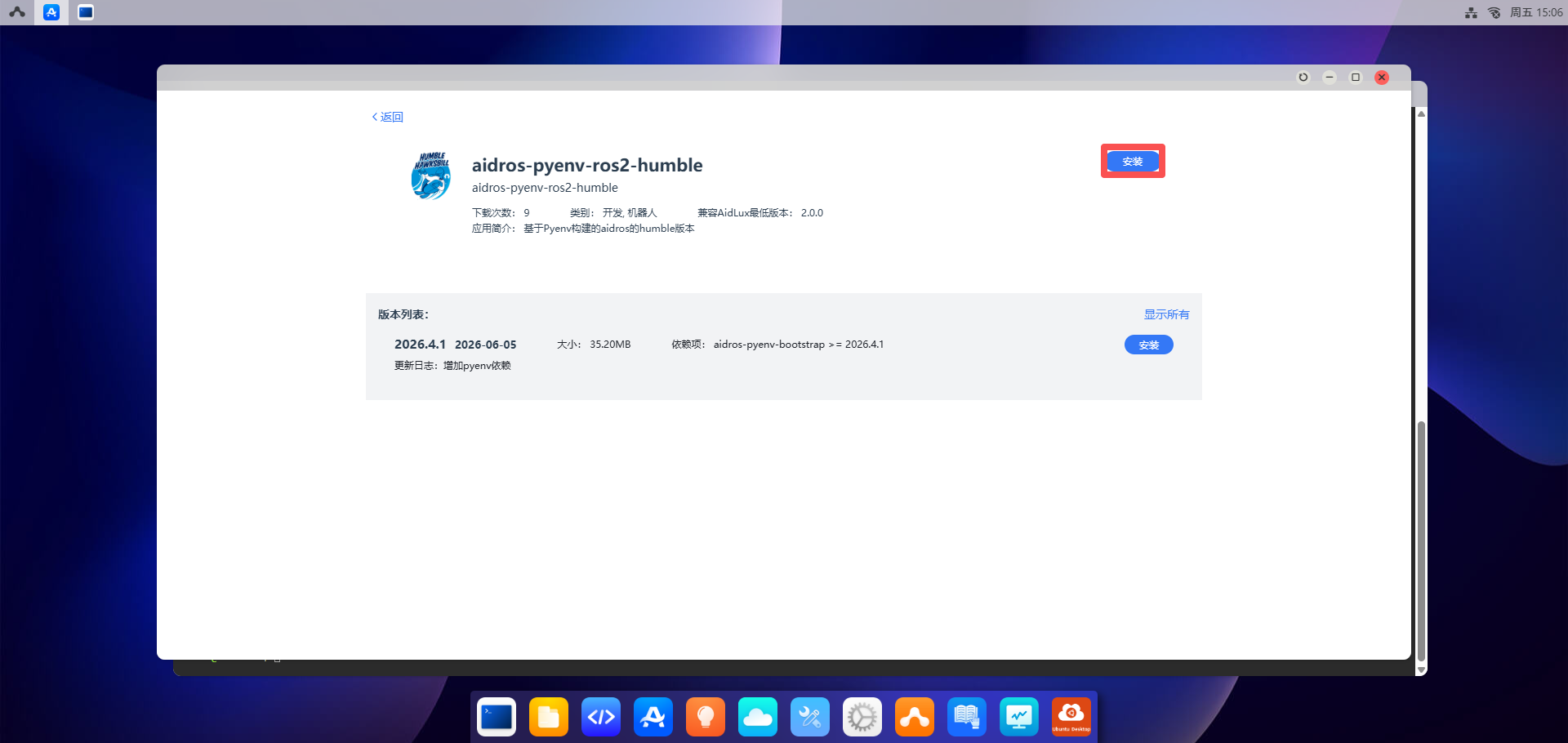
- Click
Verification
After installing ROS2 Humble, you can verify whether the installation was successful using the following method.
Log in to the Ubuntu Desktop. For remote desktop usage, please refer to Remote Desktop Usage.
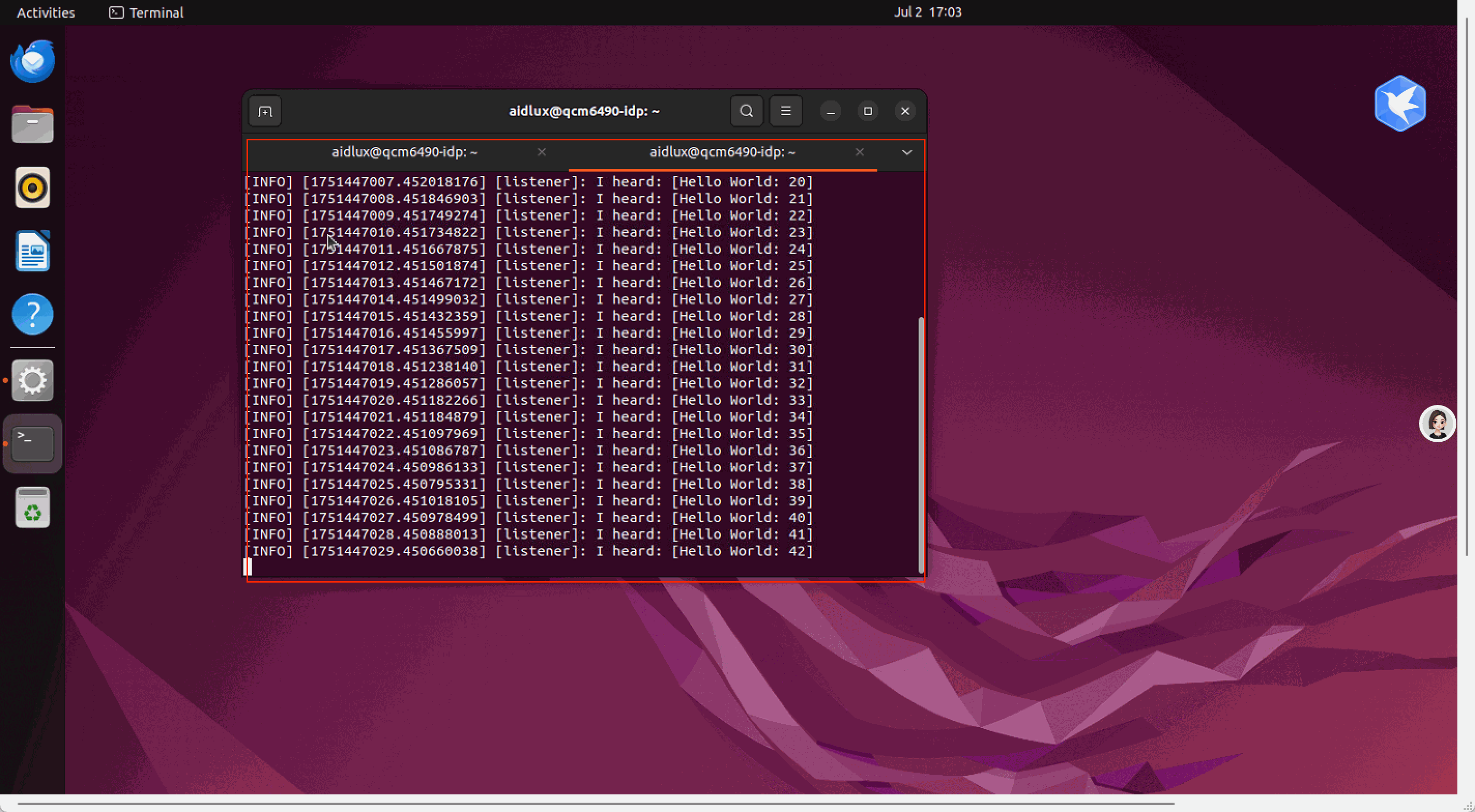
Open a Terminal window, execute the commands to load environment variables and send a message:
shell
source /opt/ros/humble/setup.bash
ros2 run demo_nodes_cpp talker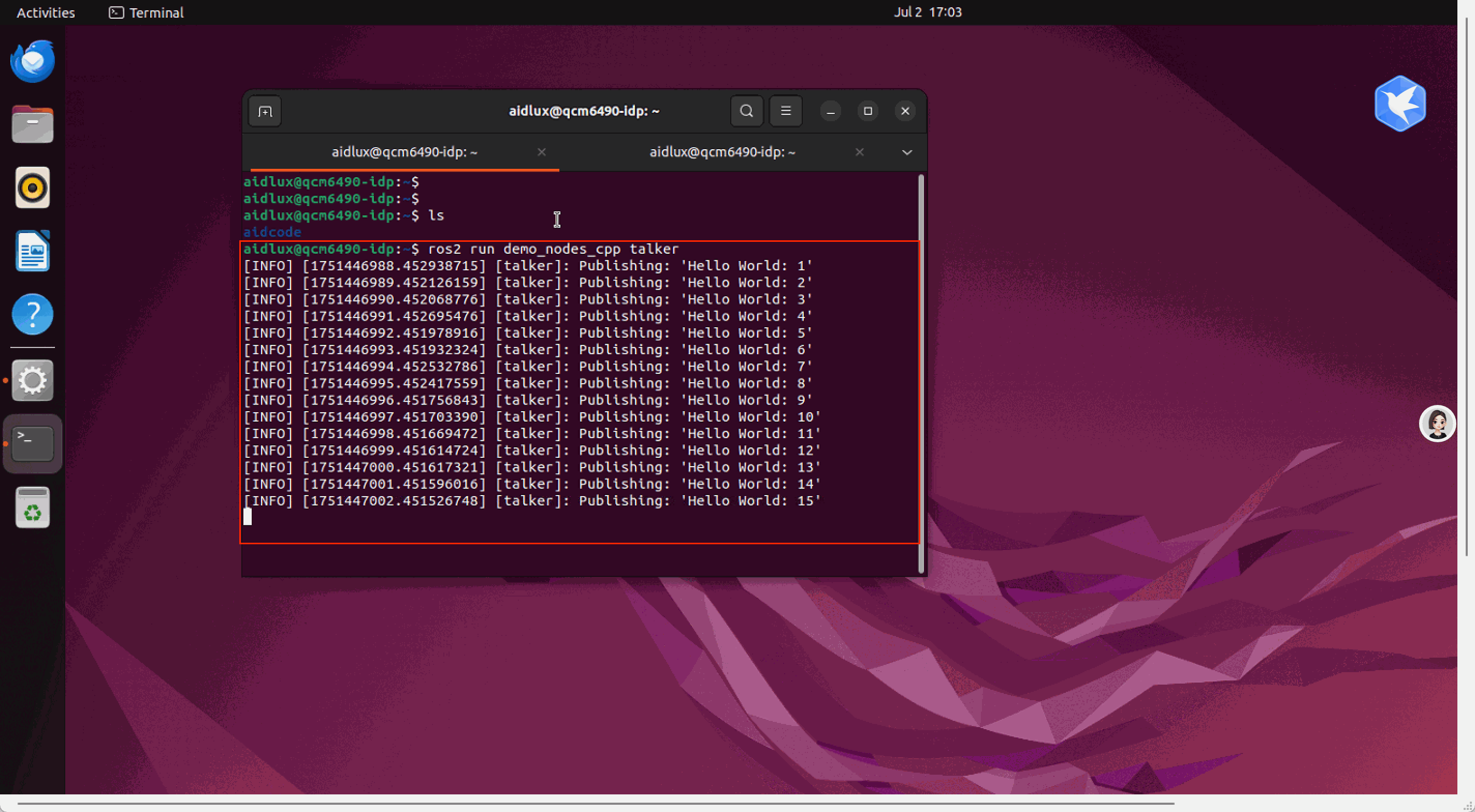
- Open another Terminal window, execute the commands to load environment variables and listen for messages:
shell
source /opt/ros/humble/setup.bash
ros2 run demo_nodes_cpp listener