SSH Login
After the device is connected to the network, developers can access the AidLux System via SSH. The detailed operations are as follows:
1. Obtain the Device IP Address
Developers can obtain the device IP address in multiple ways. For details, please refer to IP Address Acquisition.
2. Log in via SSH
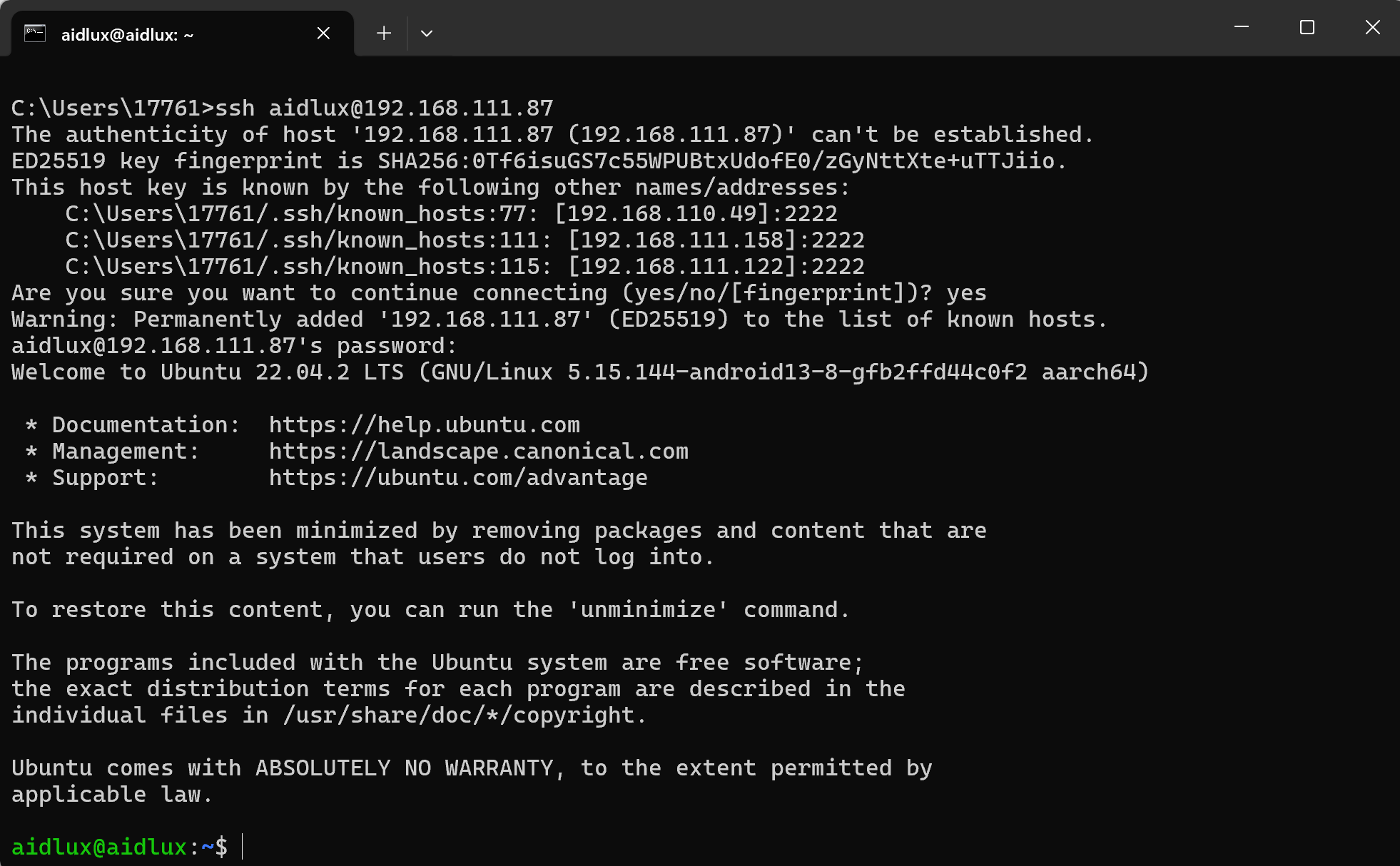
Make sure that the computer and the device are on the same local area network. Enter the command ssh aidlux@ip in the Terminal to access the AidLux System. The access password is: aidlux.