Line IN/OUT Usage
Audio Testing
Hardware Connection
- Connect a 3.5mm headset with microphone to the device's LINE IN interface
Using Audio on Android System
Refer to the Web Login document to log in to the AidLux Web desktop. Execute the following commands:
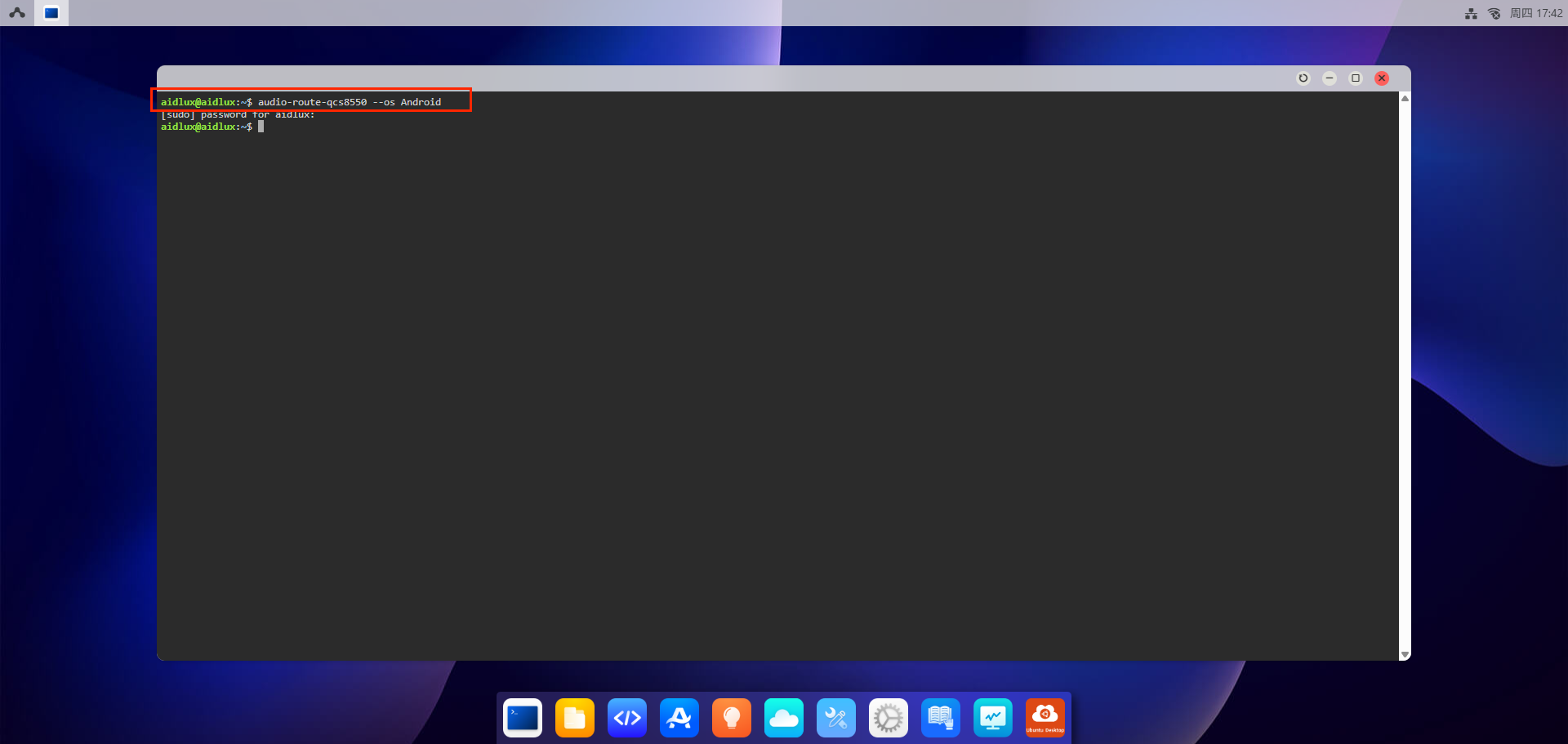
- Use screen mirroring login or direct display login to log in to the Android home page
Tip
Refer to the Quick Start chapter for screen mirroring login and direct display login methods.
- Hold the left mouse button and slide up to open the
RecorderAPP
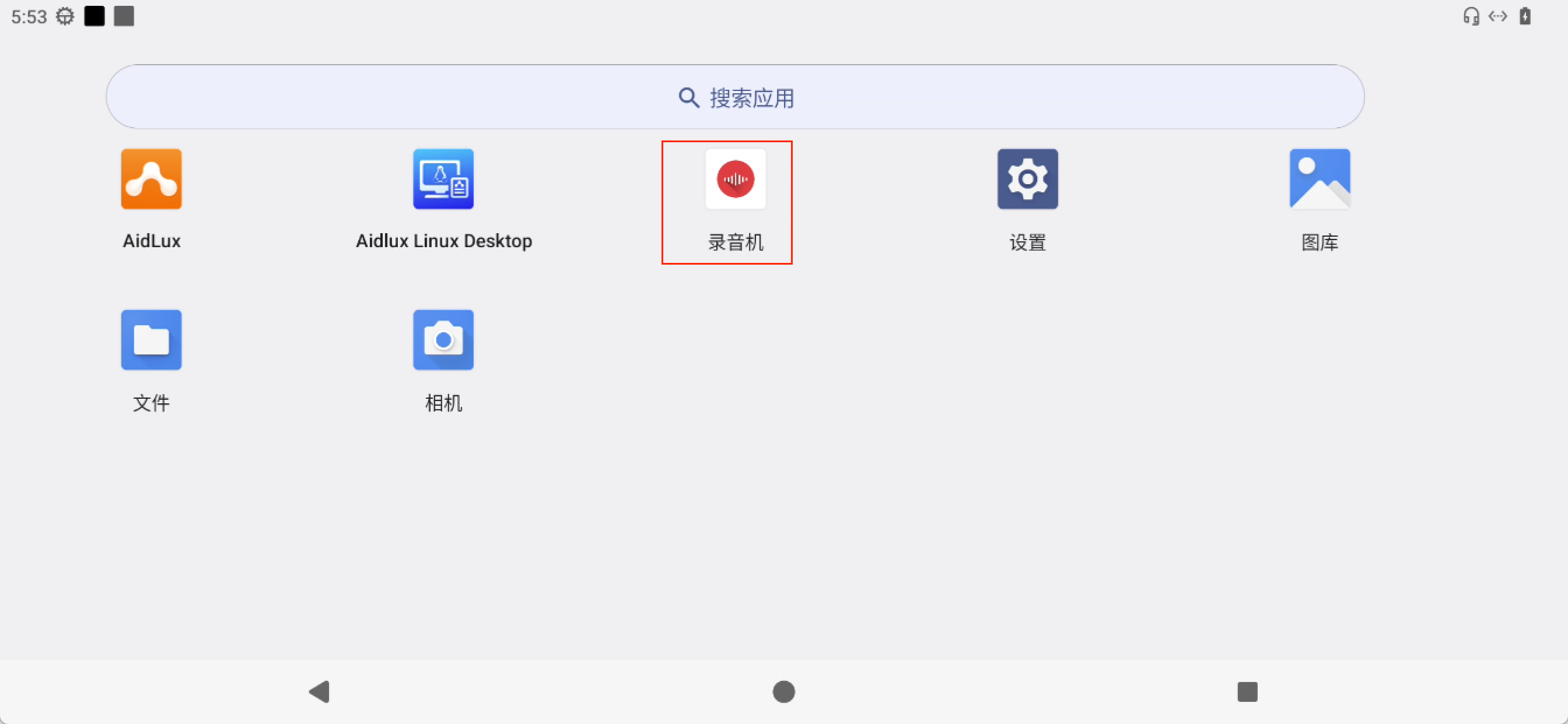
- You can use this APP for recording and playback testing
Using Audio on Ubuntu System
Tip
Not supported yet, stay tuned.