Depth Camera
Note
The following devices were verified in a ROS2 environment. Please refer to the Tool Installation section documentation to install all ROS-related tools.
Intel RealSense D415
Preparation
- Rhino Pi A1
- Intel RealSense D415 depth camera and driver installed
Install as follows: After installing Ubuntu Desktop and connecting via VNC, open a terminal and run:
shell
sudo apt-get update
sudo apt-get install ros-humble-realsense2-camera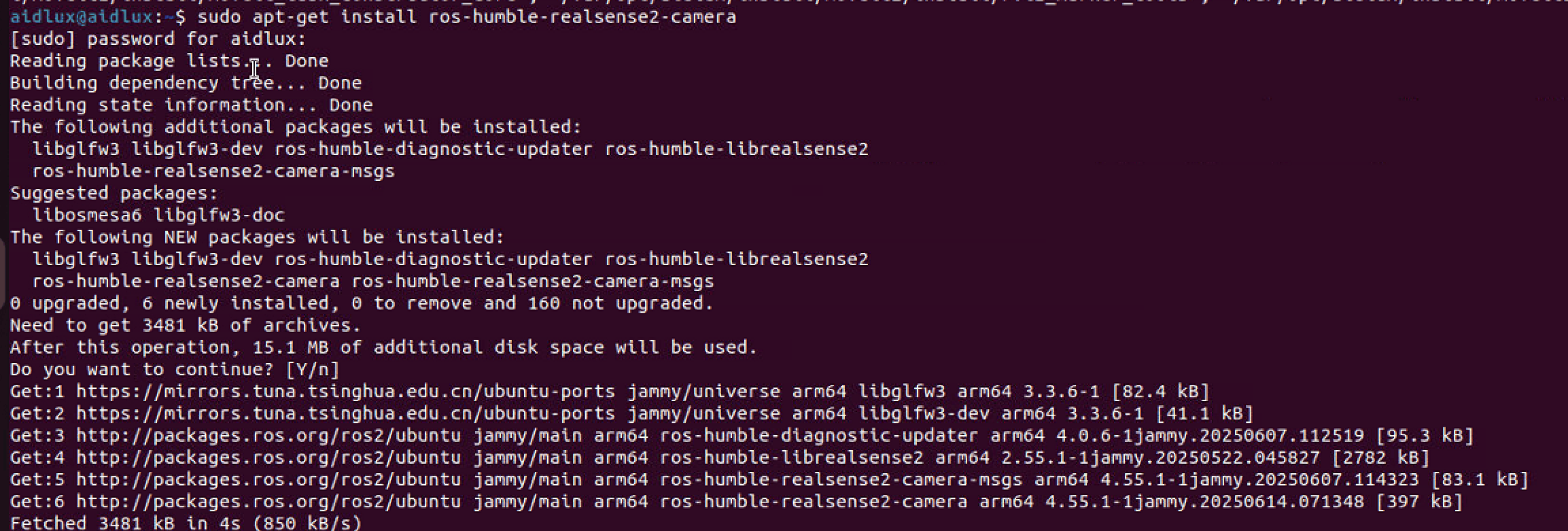
Hardware Connection
Connect the depth camera to a USB port on the Rhino Pi A1.
Test
- After connecting, start the camera driver:
shell
ros2 launch realsense2_camera rs_launch.py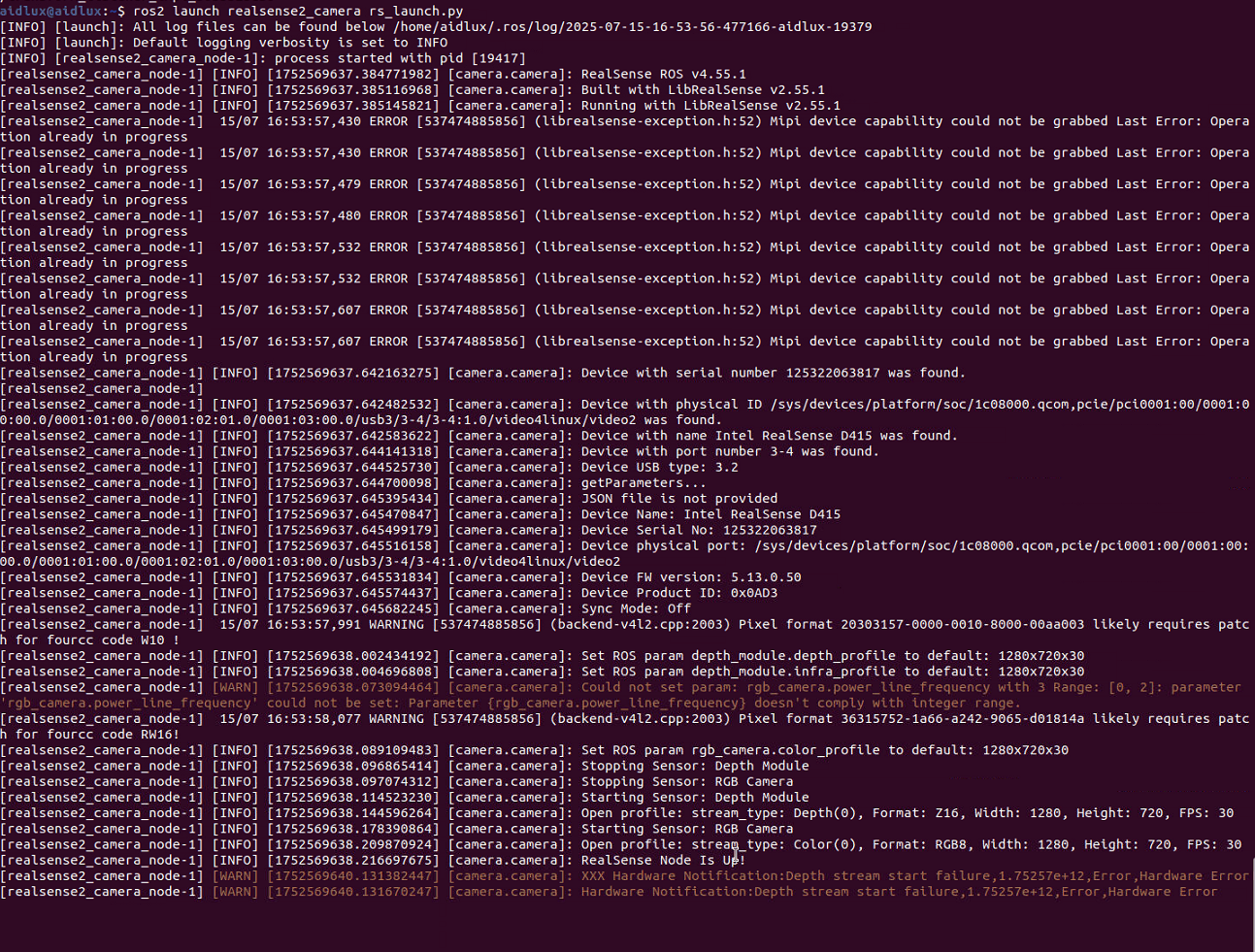
- Open
rviz2:
shell
rviz2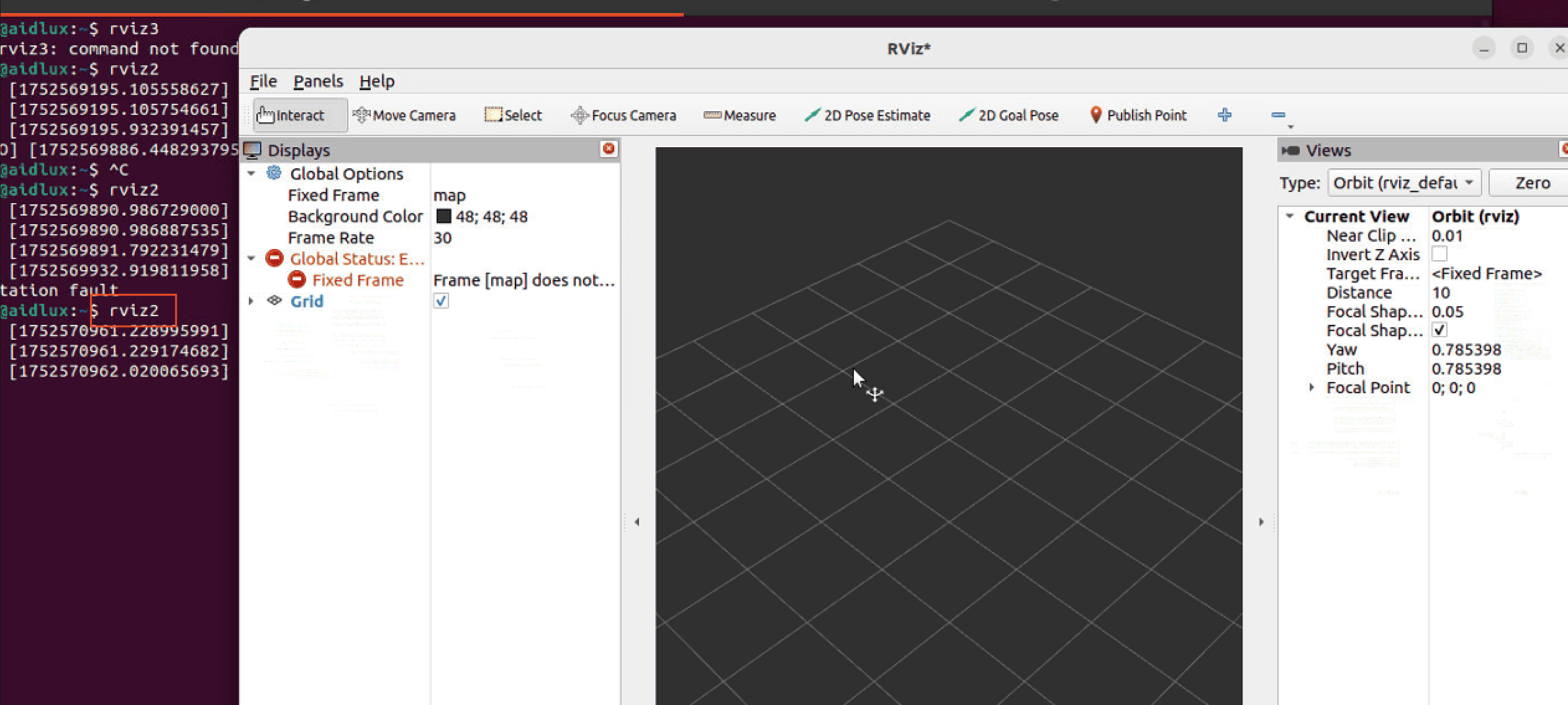
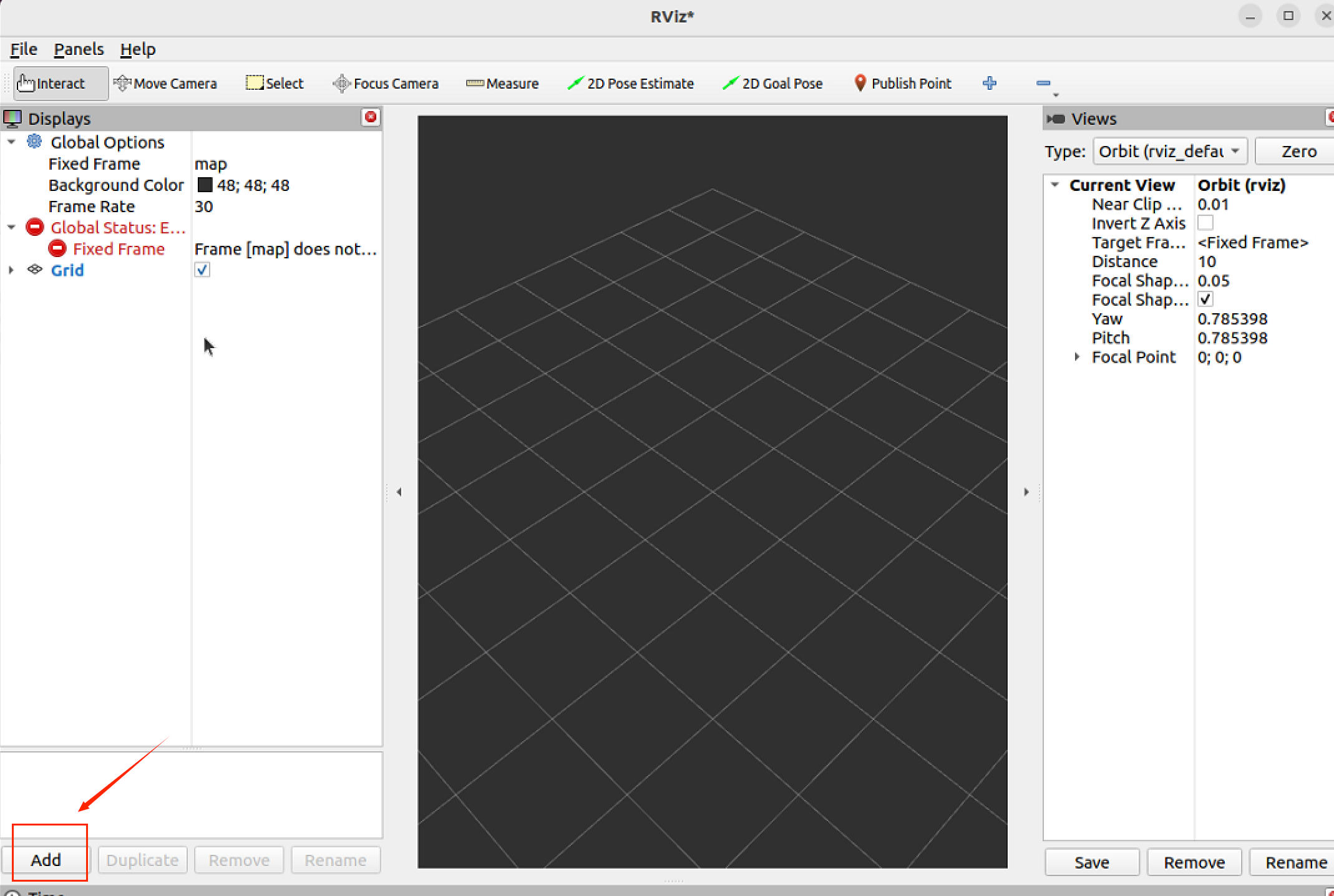
- Verify the depth camera image in
rviz2.
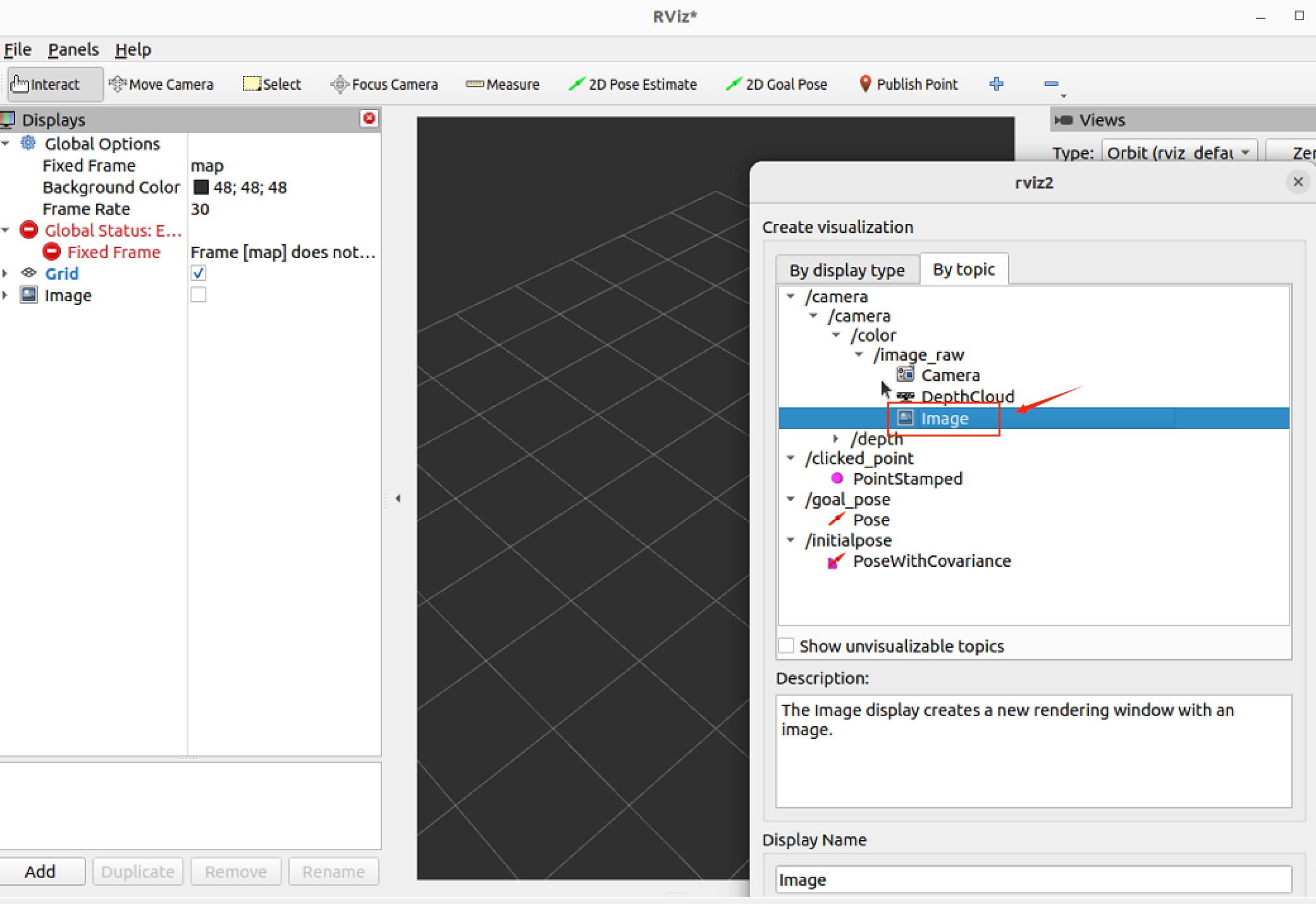
Click the Add button in the lower-left corner.
Select By topic in the popup.
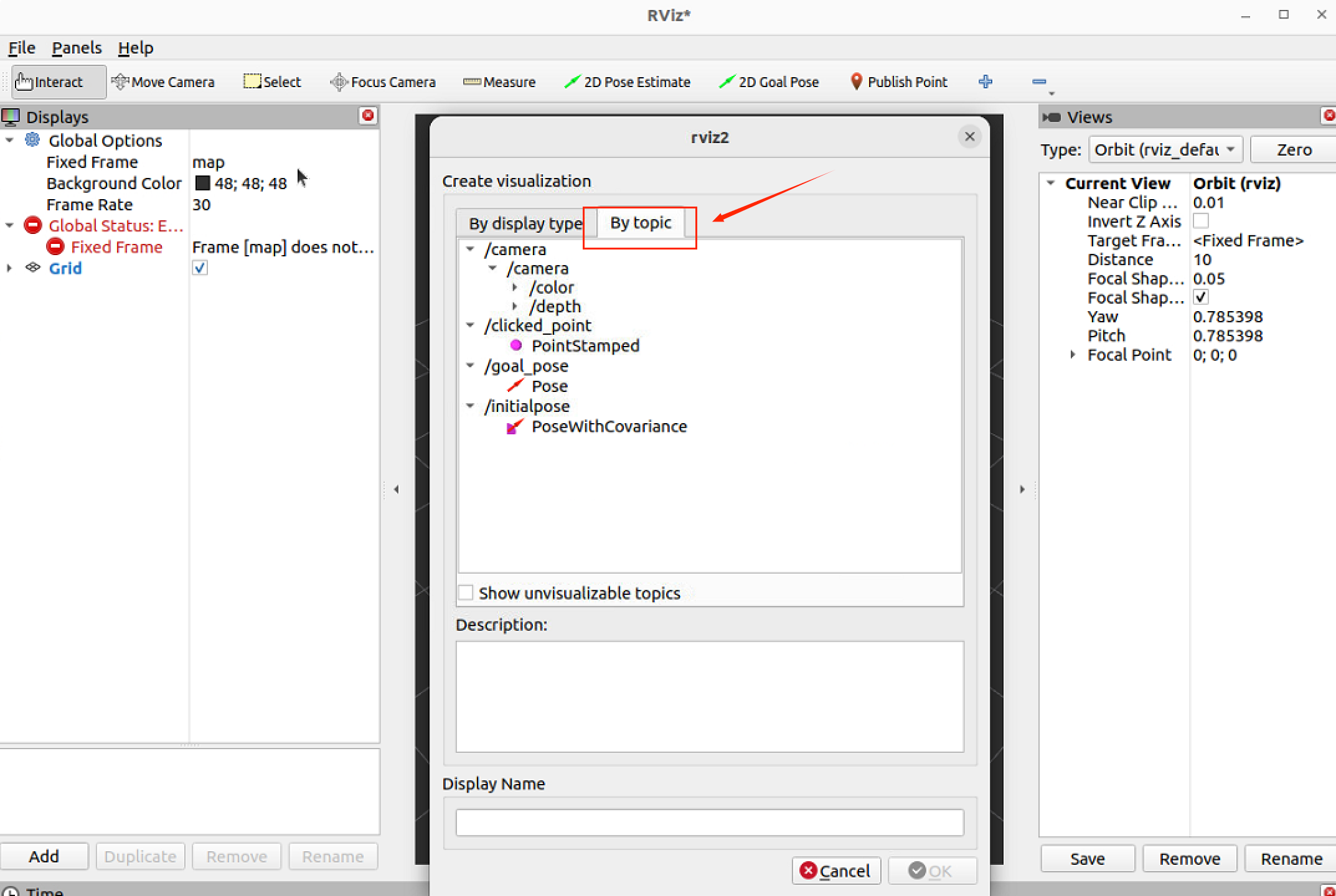
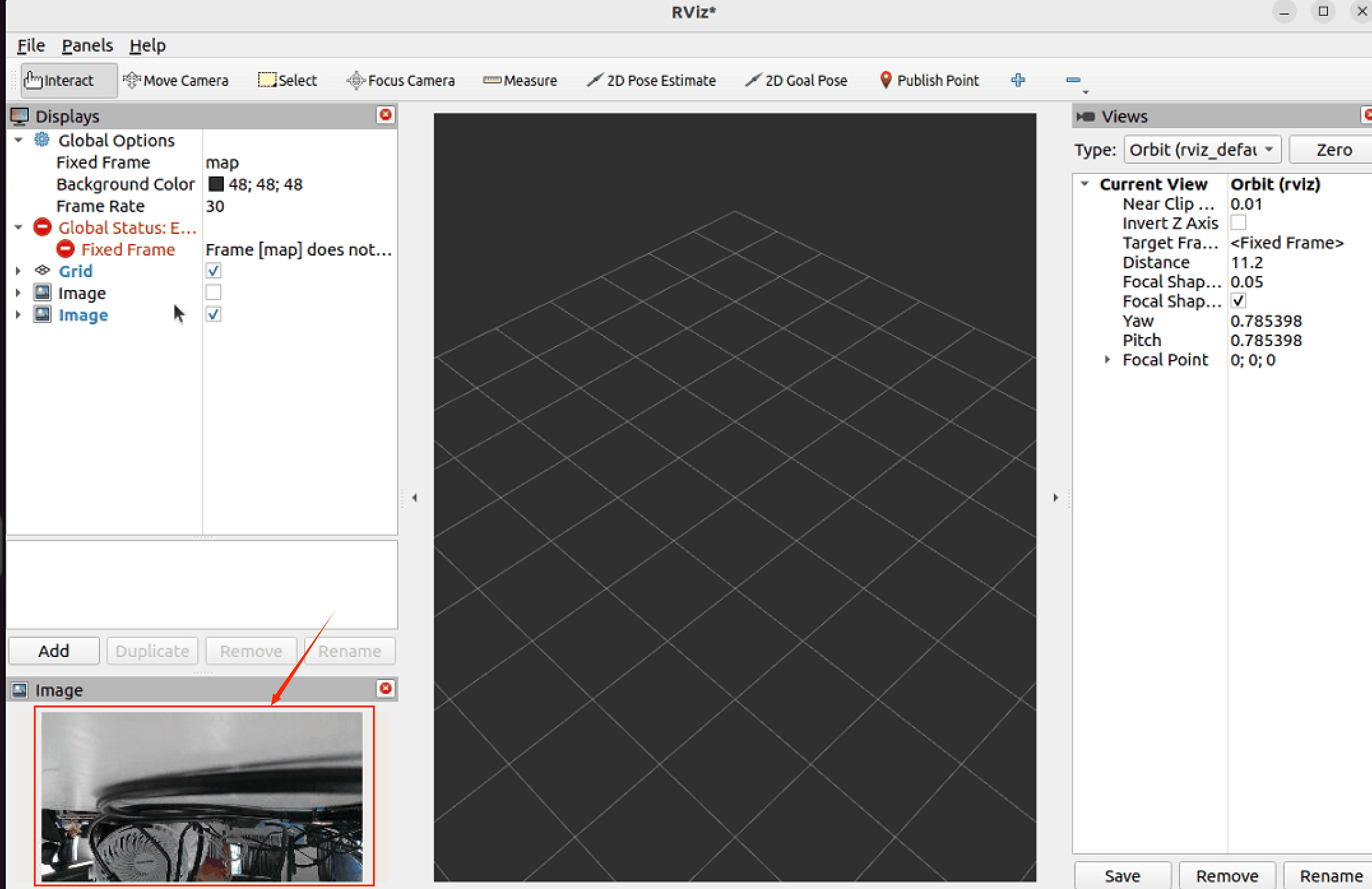
Double-click the /camera topic image and confirm the image window appears.