Browser Remote Login
Overview
APLUX Full Image includes a built-in Web remote desktop service. No client software installation is required — you can remotely access the AidLux desktop environment through a browser.
Prerequisites
- A8550MA1 is connected to a network (wired or Wi-Fi)
- Obtain the device's IP address
- Your computer is on the same local network as the device
Obtaining the Device IP Address
Via ADB
bash
adb shell ip addr showLogin Steps
In your computer's browser address bar, enter:
http://<device_IP_address>:8000[Example:
http://192.168.1.100:8000]You will be taken to the AidLux Web desktop login page
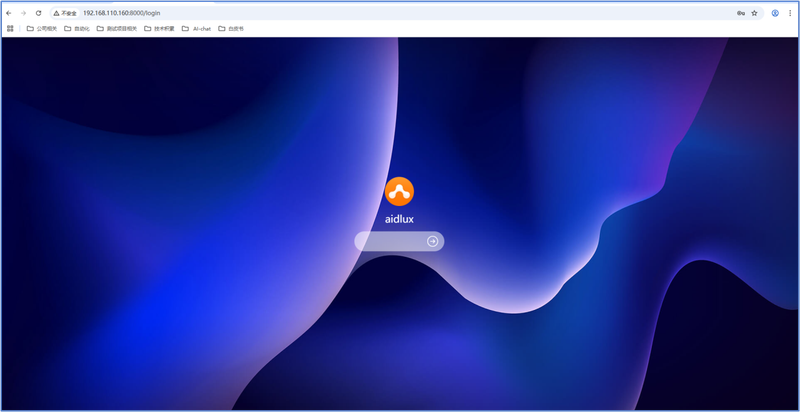
Enter your login credentials:
| Item | Default Value |
|---|---|
| Username | aidlux |
| Password | aidlux |
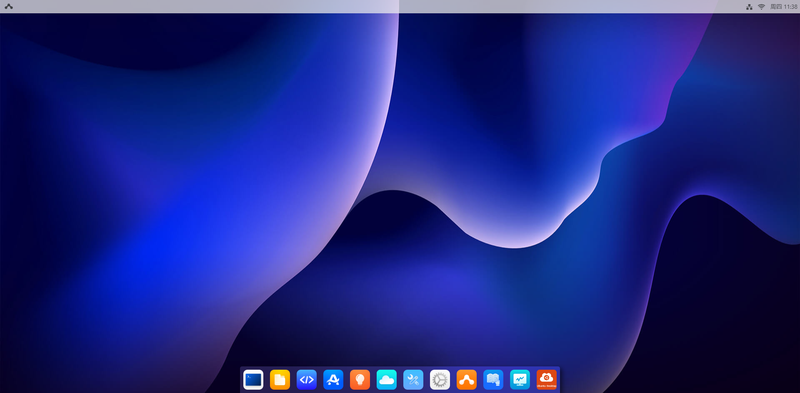
- After successful login, you can operate the full AidLux desktop environment in your browser
Tip
If you cannot access the Web desktop, check:
- Whether the device and PC are on the same subnet
- Whether the firewall is blocking port 8000
- Whether the device IP has changed