ROS2 Humble 安装
机器人操作系统 (ROS) 是一套用于构建机器人应用程序的软件库和工具。 从驱动程序、先进的算法到强大的开发者工具,ROS 提供了您下一个机器人项目所需的开源工具。 在安装 ROS2 Humble 时,会同时安装 rviz2。
安装
- 参考快速上手 - 系统使用 -- Web 登录章节,登录到设备Web桌面
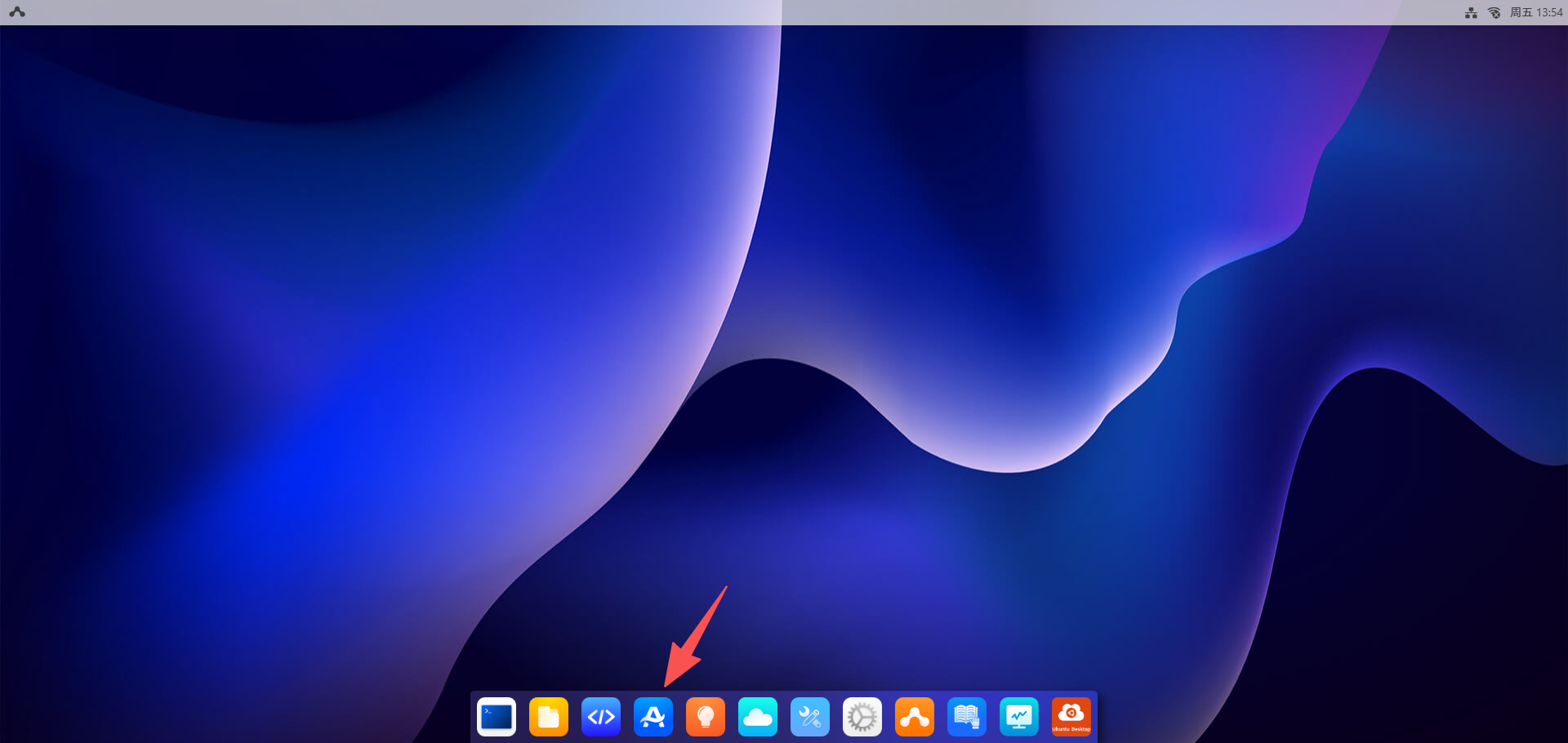
- 点击
应用中心按钮,选择机器人
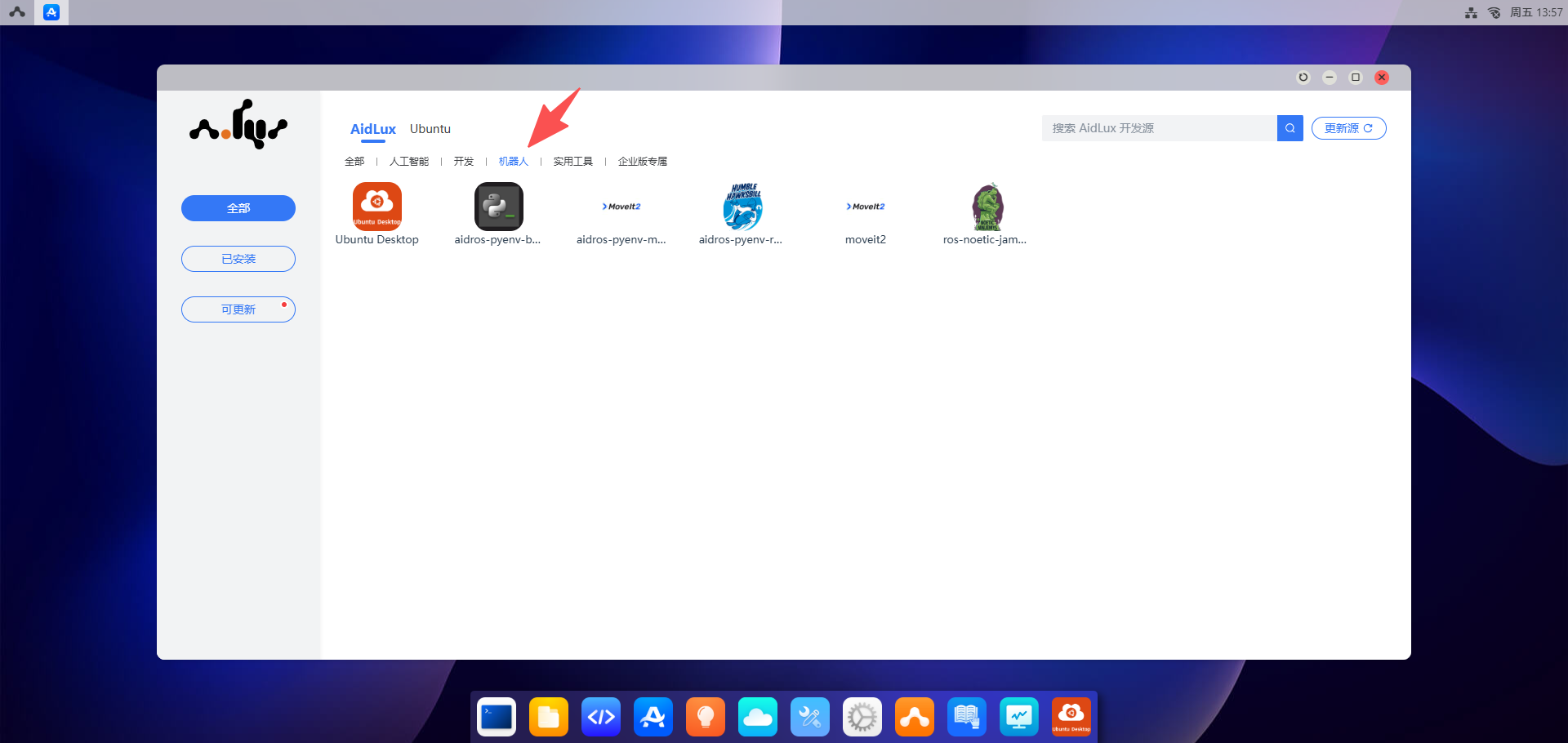
- 安装 "aidros-pyenv-bootstrap"
- 点击
aidros-pyenv-bootstrap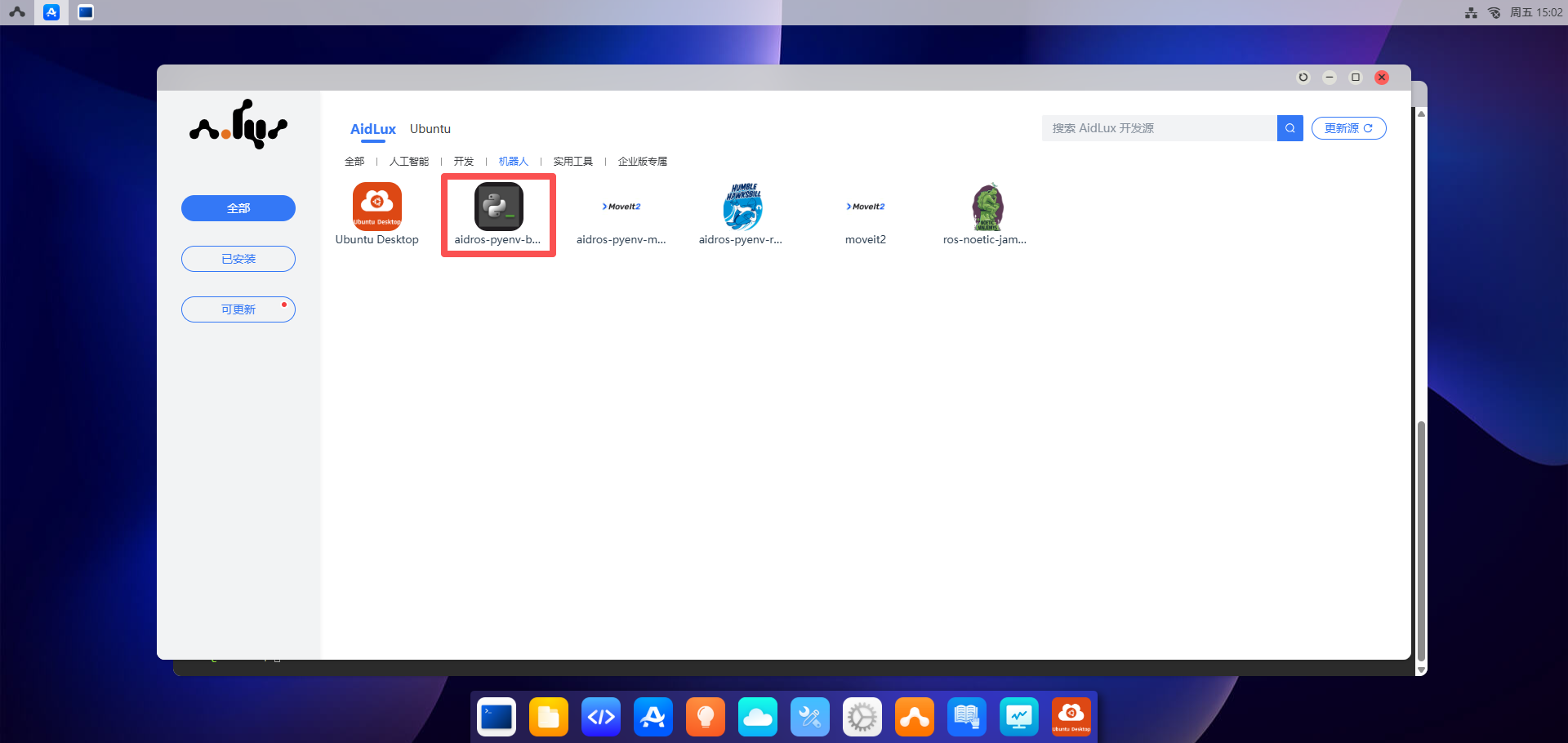
- 点击
安装按钮,输入密码:"aidlux"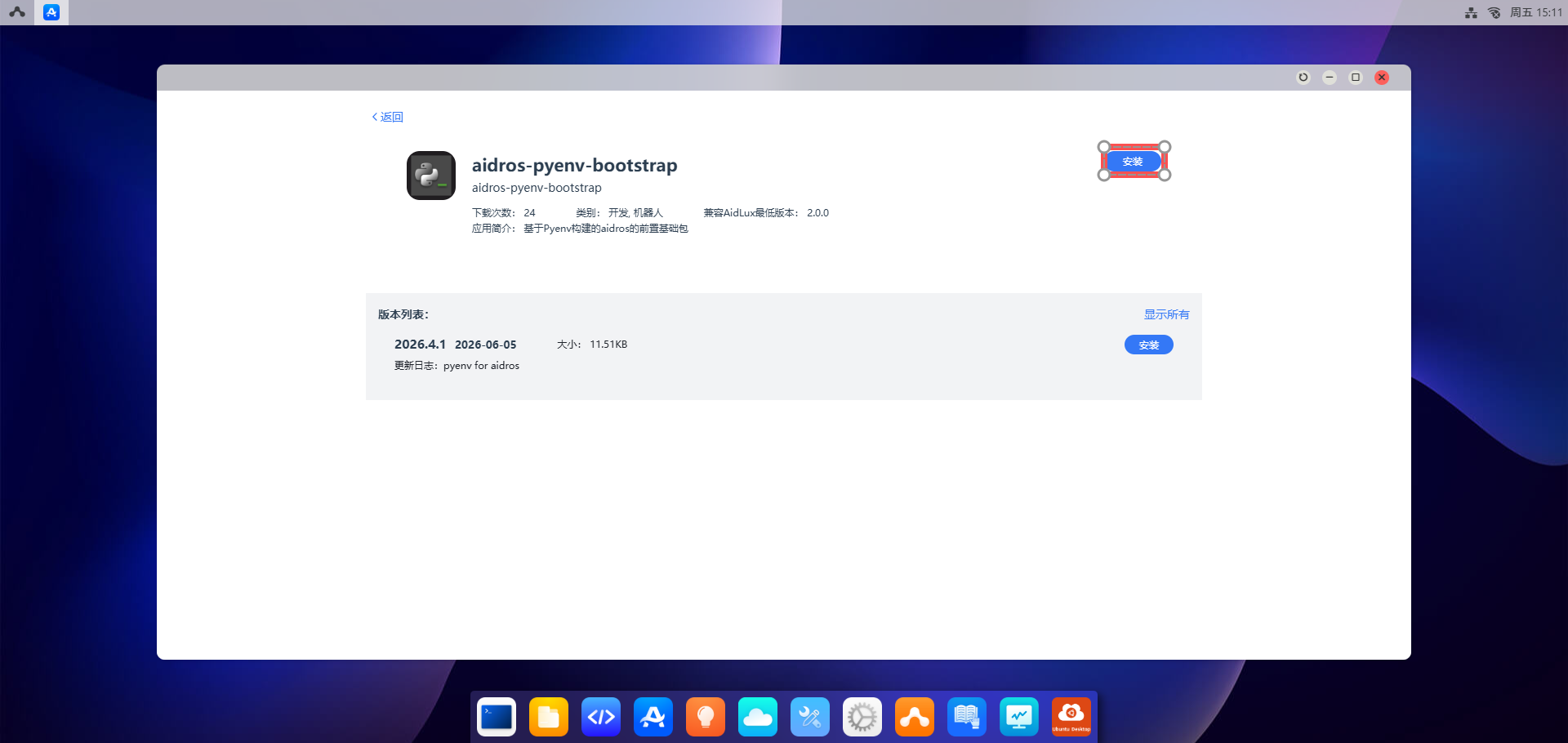
- 点击
- 安装 "aidros-pyenv-ros2-humble"
- 点击
aidros-pyenv-ros2-humble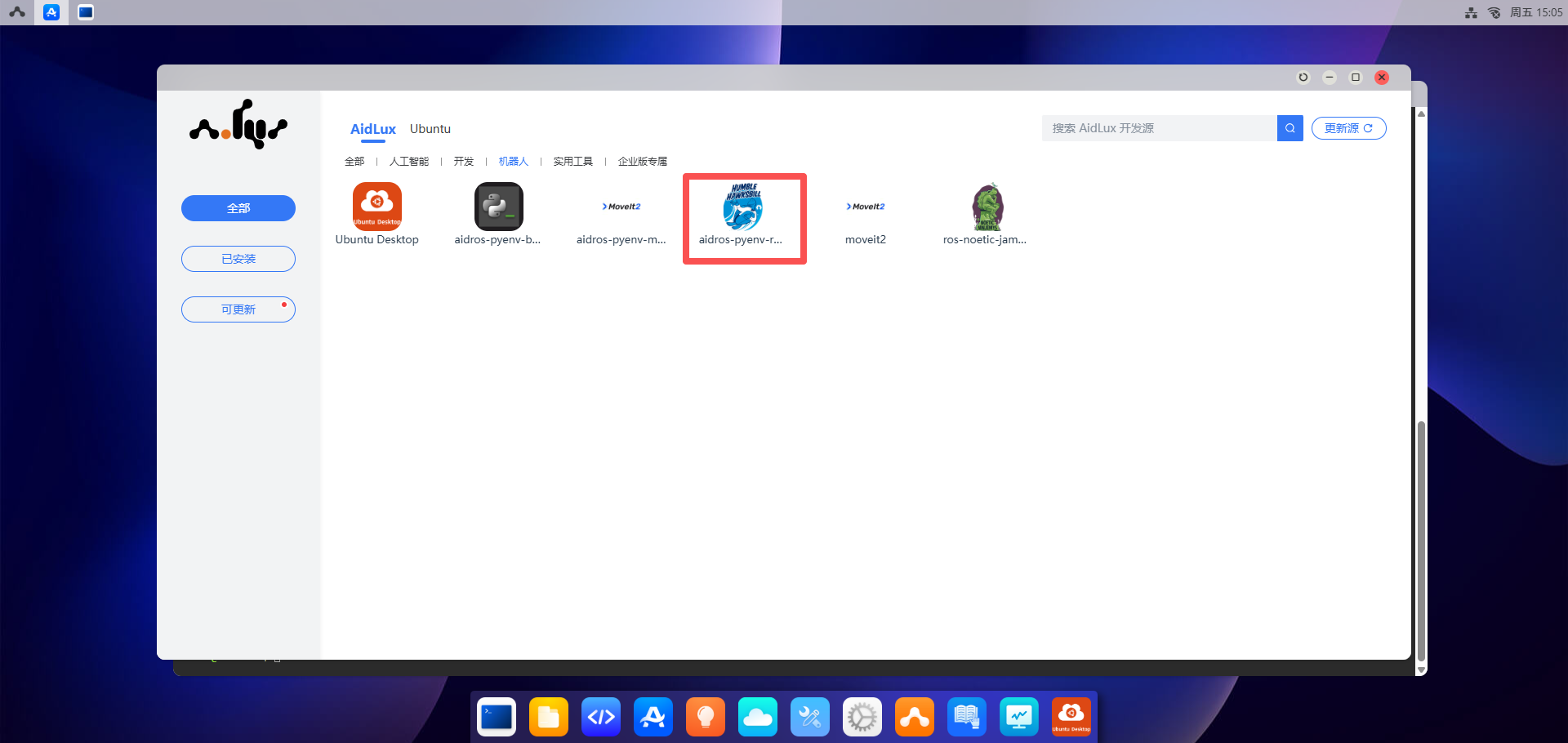
- 点击
安装按钮,输入密码:"aidlux"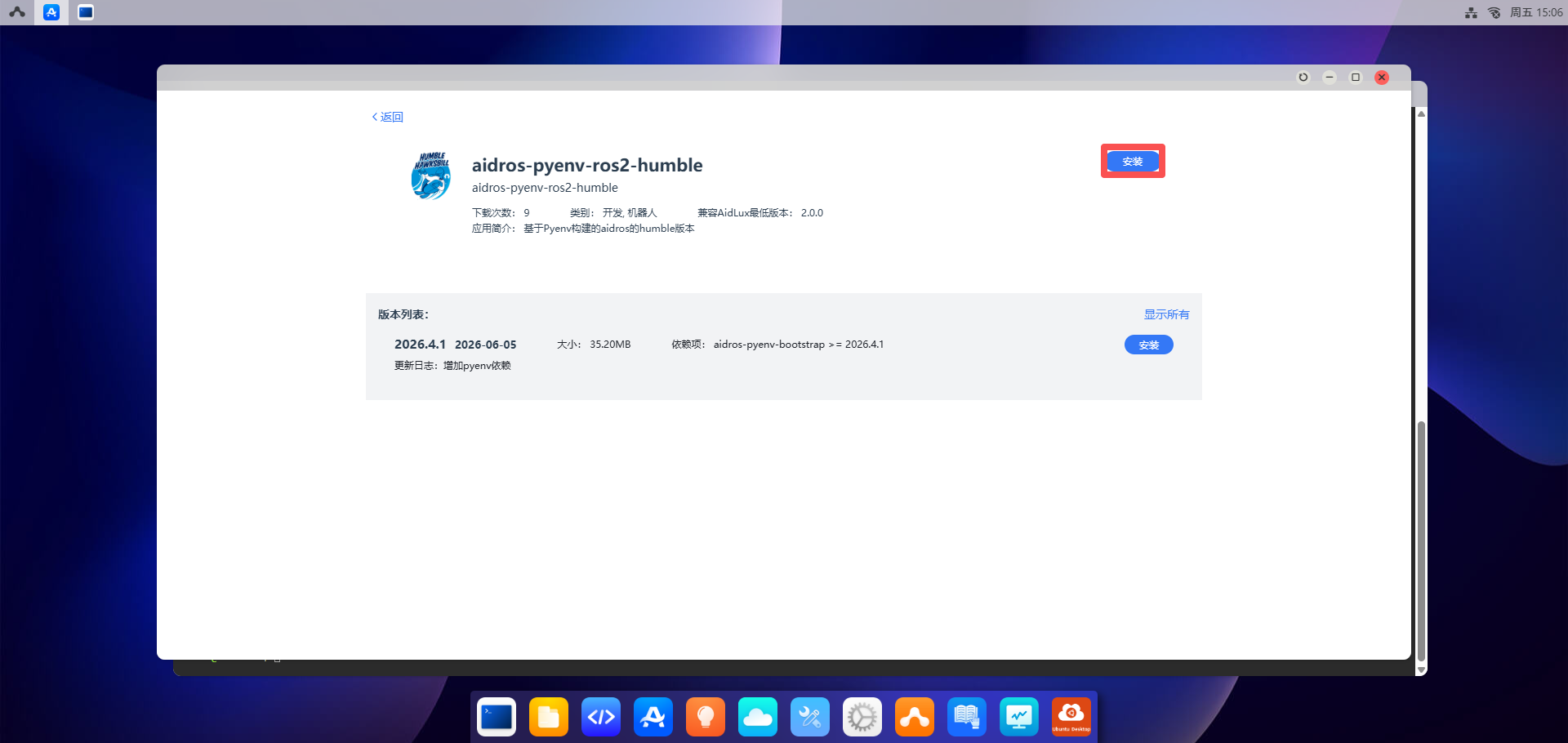
- 点击
验证
安装完 ROS2 Humble 后,可通过如下方法进行验证是否安装成功。
通过登录到 Ubuntu Desktop 桌面。远程桌面使用请参考 远程桌面使用
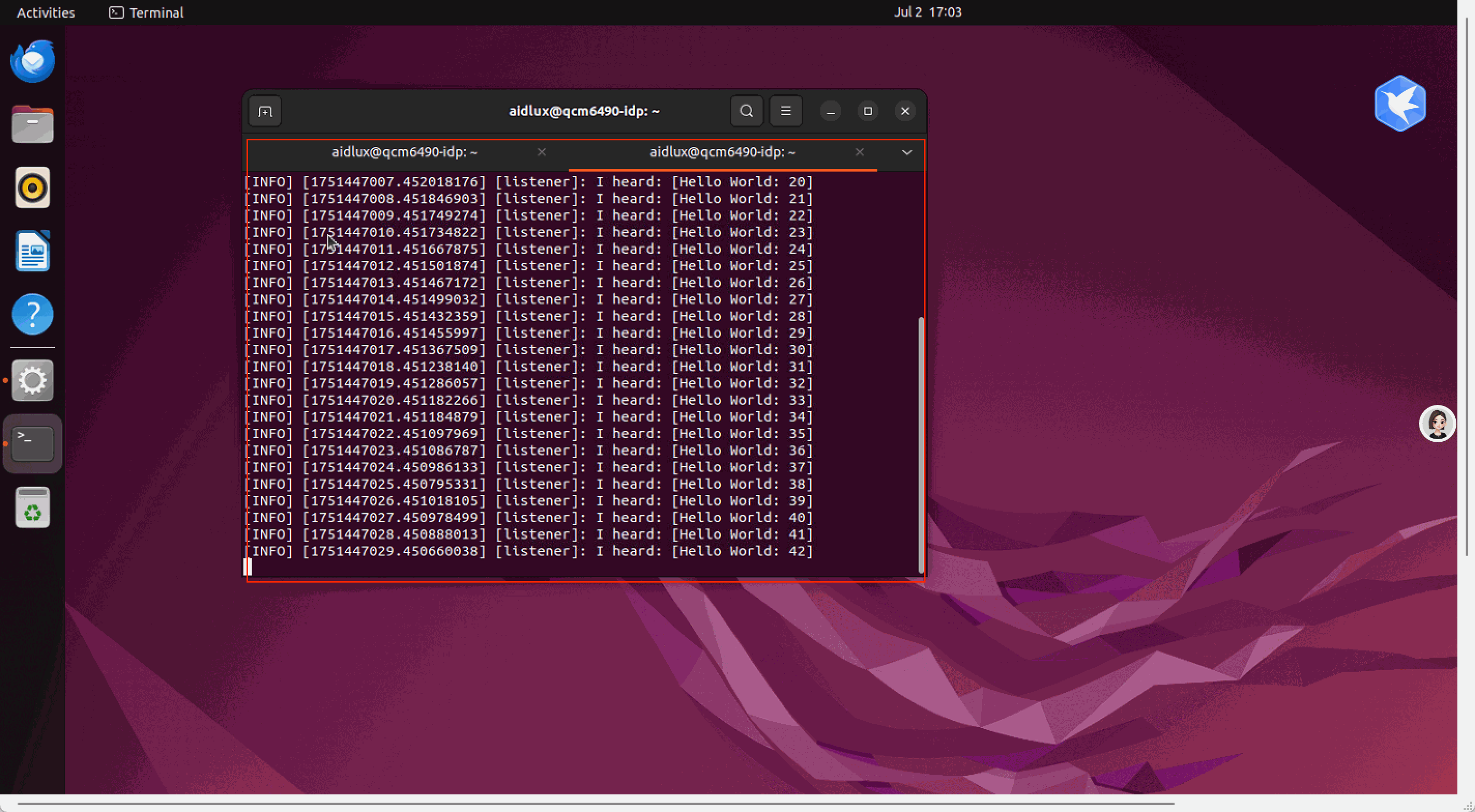
打开 Terminal 窗口,执行命令,加载环境变量,发送消息
shell
source /opt/ros/humble/setup.bash
ros2 run demo_nodes_cpp talker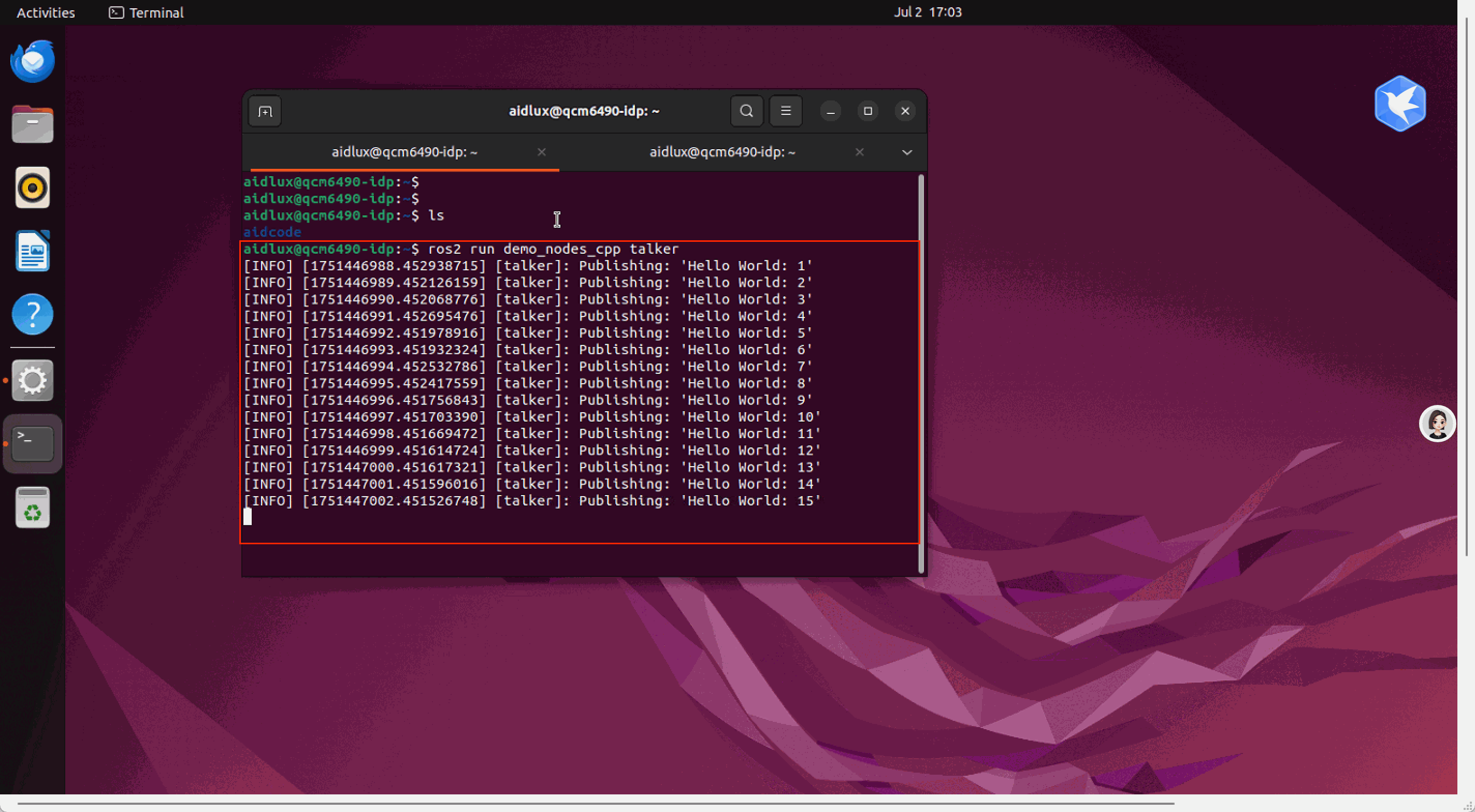
- 再打开一个 Terminal 窗口,再执行命令,加载环境变量后,监听消息
shell
source /opt/ros/humble/setup.bash
ros2 run demo_nodes_cpp listener