ADB Login
Prerequisites
Prepare the following hardware in advance:
- Mainboard: Rhino Pi A1
- Power supply: DC12V 3A power adapter
- Input device: USB Type-A to Type-C cable
Install ADB
Visit Download ADB and download the package for your platform.
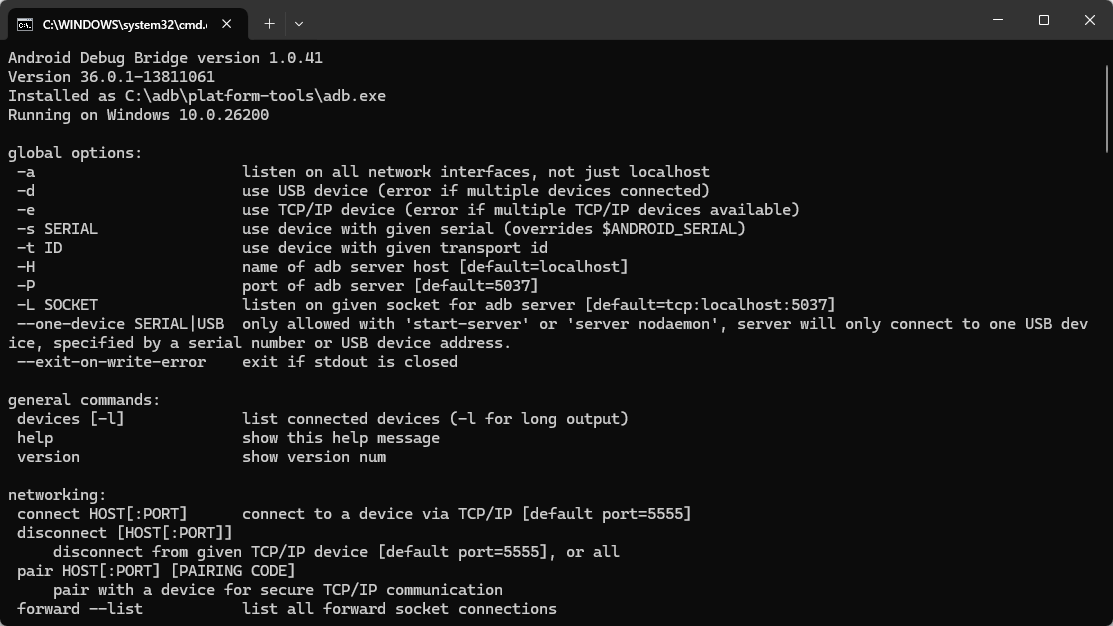
Open a terminal in the ADB folder and run adb. If ADB command help is displayed, the environment is ready.
Power On the Board
The board comes with Ubuntu preinstalled. After connecting a 12V power adapter, the system starts automatically.
- During boot: the RGB green LED stays on and blinks.
- Use a USB Type-A to Type-C cable: connect Type-A to the Windows PC USB port and Type-C to the board Type-C port.
- Boot completed: the RGB green LED stays on without blinking.
Connect the Device
Use a USB Type-A to Type-C cable: connect Type-A to the Windows PC USB port and Type-C to the board Type-C port.
Access the System via ADB
After booting the board, you can log in to Ubuntu with ADB:
shell
adb shellTip
For more ADB usage details, refer to ADB Basics.
Use the System
After successful startup, you can start using Ubuntu 24.04 on Rhino Pi A1. See System Usage.