SSH Login
Prerequisites
Developers need the following hardware and network environment:
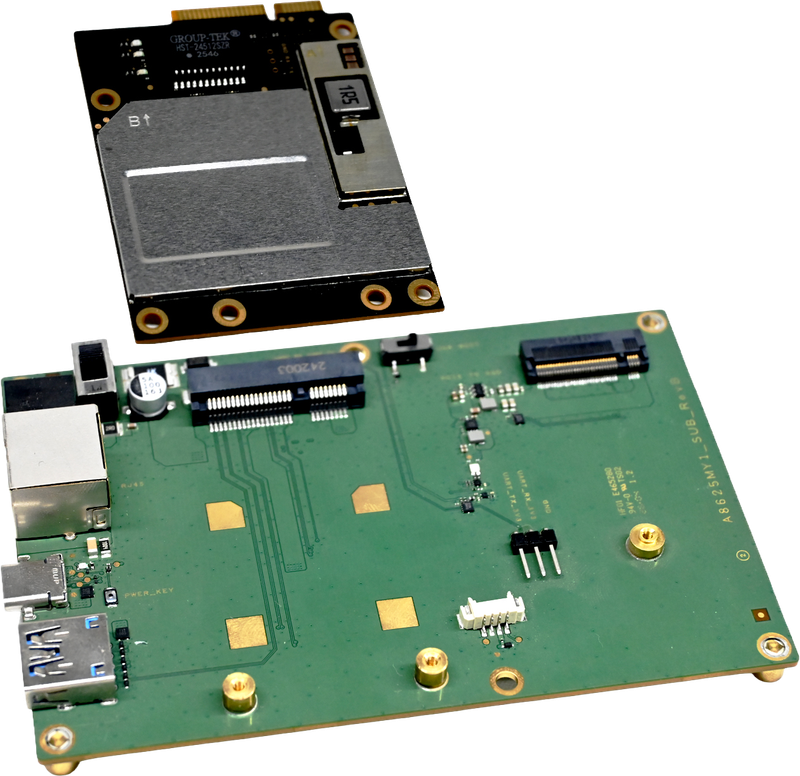
- Mainboard: A8625 core board + debug baseboard
- Power: DC12V 3A power adapter
- Debug cable: USB Type-A to Type-C cable (for initial debugging)
- Network: A8625 and the host PC are in the same LAN (via adapter board RJ45 or same-subnet router)
SSH Software Installation
On Windows, cmd or PowerShell is recommended. On Linux/macOS, use the built-in ssh command.
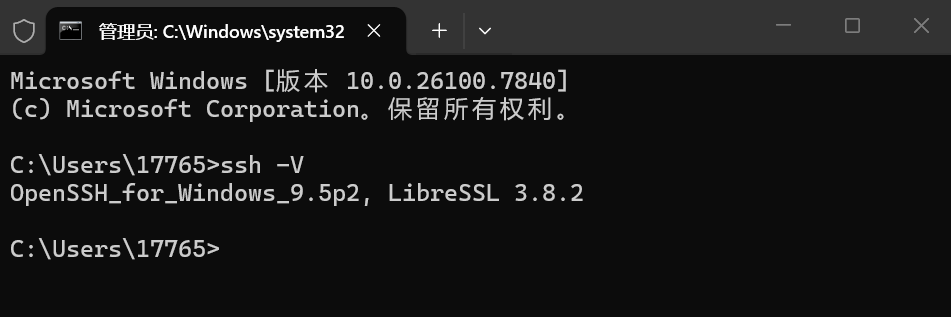
Verify SSH client availability:
ssh -VIf the terminal outputs an OpenSSH version (for example OpenSSH_for_Windows_9.5p2), SSH client is available.
Boot the Board
- DC jack power (recommended): connect a 12V/3A adapter to J4 on the baseboard.
- Type-C power: if using 12V Type-C input, solder one 22.6K 0402 resistor at the corresponding board location (refer to adapter board hardware documentation), then connect to J10.
- After power-on, the system starts automatically.
Get Device IP
For first-time use, log in through ADB first and check current device IP:
adb shell ip aRecord the IP on the service NIC (for example 192.168.100.3), referred to as <A8625_IP> below.
Access the System via SSH
Run on the host terminal:
ssh aidlux@<A8625_IP>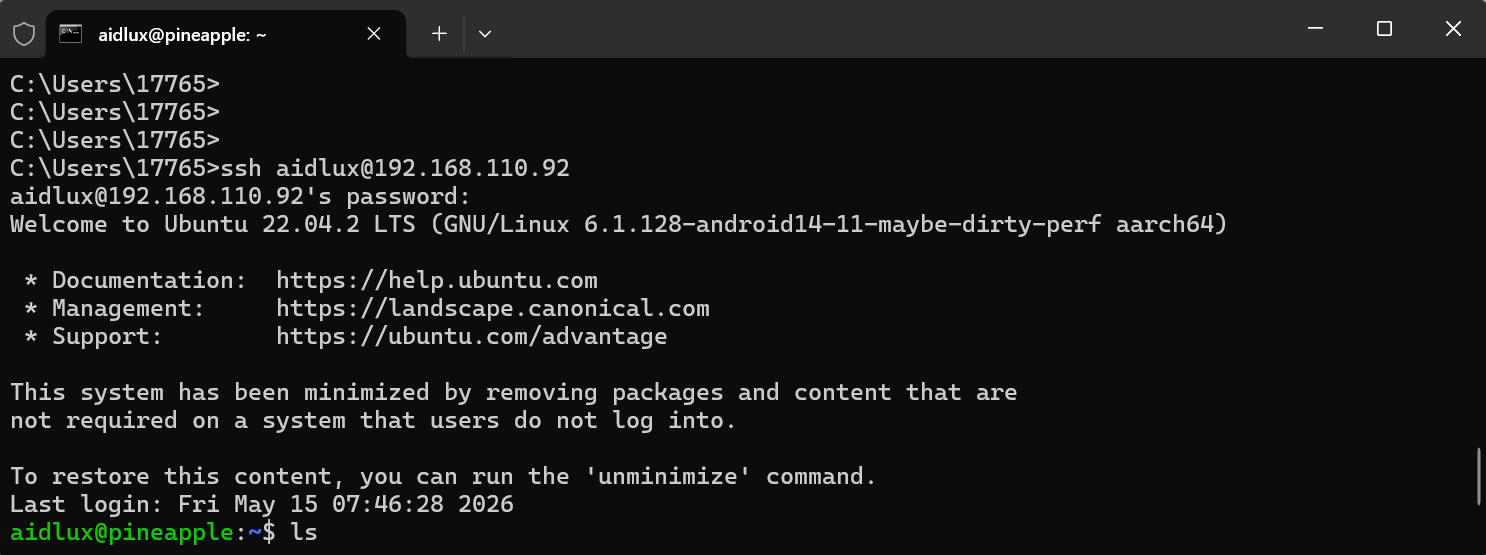
At first login, confirm host fingerprint by entering yes and pressing Enter. Then input password aidlux.
Common SSH Commands
These commands are commonly used in remote operations and maintenance:
ssh aidlux@<A8625_IP>
Purpose: log in to device shell for remote debugging.
ssh aidlux@<A8625_IP>- Upload via
scp
Purpose: upload host files to device, commonly scripts, models, or config files.
scp ./test.sh aidlux@<A8625_IP>:/tmp/test.sh- Download via
scp
Purpose: download logs or result files from device.
scp aidlux@<A8625_IP>:/var/log/syslog ./syslogssh ... "command"
Purpose: execute a remote command once, suitable for automation scripts.
ssh aidlux@<A8625_IP> "uname -a"Password
SSH username is aidlux, password is aidlux.
Recommendation
Run ping <A8625_IP> first to verify network reachability before SSH login and file transfer.
Use the System
After successful login, developers can configure the system, troubleshoot logs, and deploy applications through SSH.